


Elevate Your Gaming Experience: The Hottest PC Computer Cases
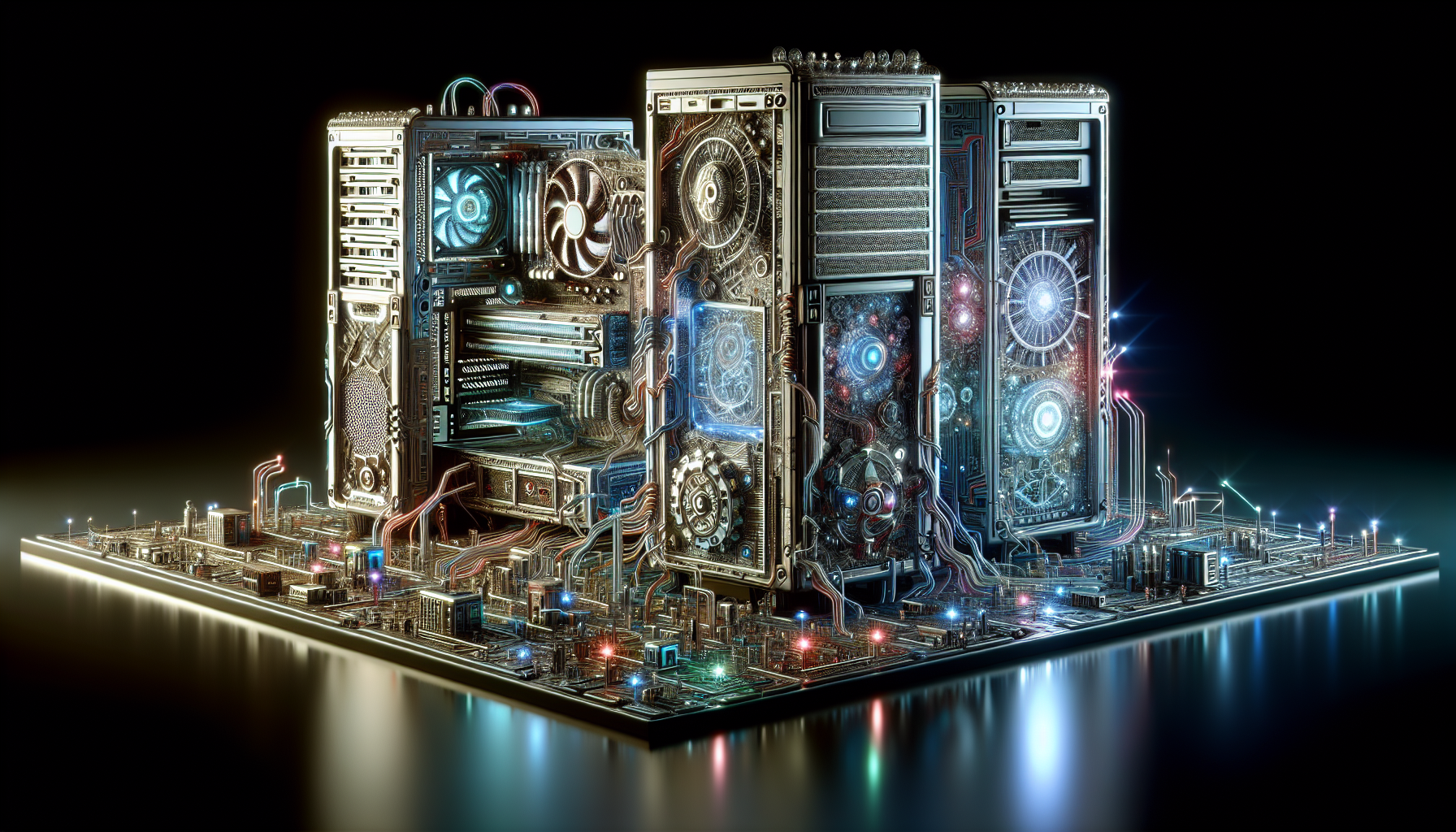
A Gamer's Guide to PC Cases
If you're a gamer, the term 'PC case' is as familiar to you as the back of your gaming controller. It's the comfort food of computer components, the unsung hero of your gaming rig, and the metal (or plastic) cocoon that houses the butterflies of your gaming dreams. Let's dive into the world of PC cases and understand their role in your gaming adventures.
Understanding PC Cases
A PC case, also known as a computer case or chassis, is more than just a pretty box that sits under your desk or lights up like a techno rave on steroids. It's the enclosure that houses all the components of a computer, providing a protective shell for your precious hardware and a structure to mount them securely. Think of it as the 'Iron Man' suit for your motherboard, processor, and other components. It's there to take the hits so your hardware doesn't have to. It's your first line of defence against dust, spills, and the occasional rage quit (PCMag).
The Importance of PC Cases
But, why should you care about your PC case? Well, as gamers, we're all about performance. A good PC case does more than just look good in your gaming setup (although let's be honest, that's pretty important too). It's the foundation of your build, the place where everything comes together. It's like the stage for your gaming concert, and without it, there's no show.
A well-designed PC case can enhance your gaming experience in several ways. It can improve airflow, keeping your components cool during those marathon gaming sessions. It can make your build quieter, reducing the noise of fans and drives. It also provides easy access to your components, making upgrades and maintenance a breeze.
But perhaps most importantly, a great PC case is a reflection of you as a gamer. It's a statement of your style, your preferences, and your commitment to the gaming life. So, whether you're a casual player or a hardcore gamer, remember - your PC case matters. It's not just a box, it's a part of your gaming identity.
The Anatomy of a PC Case
Understanding the anatomy of a PC case is like knowing the secret handshake to an exclusive club that only the coolest gamers are part of. So, let's dive into the world of form factors, case components, and materials to get you in the know.
Form Factors: ATX, Micro-ATX, Mini-ITX
Form factor is a fancy way of saying "size and shape" and in the world of PC computer cases, we're dealing with three main types: ATX, Micro-ATX, and Mini-ITX.
ATX (Advanced Technology eXtended) is the big kahuna, the godfather, the most common form factor. Its larger size offers more room for expansion slots and additional components. So, if you're planning on building a PC with all the bells and whistles, ATX is your new best mate.
Micro-ATX is the middle child. Smaller than ATX but still offers a good amount of expansion and compatibility options. Ideal for those who desire a compact build without sacrificing too much on the expansion front (iFixit).
Mini-ITX is the small fry of the form factor family. It's designed for compact builds with limited space, but don't let its size fool you. This little guy may have fewer expansion slots and drive bays, but it's perfect for that Home Theater PC you've been dreaming about (Crucial).
Components of a PC Case
PC cases aren't just pretty boxes that sit on your desk looking cool. They're complex structures designed to house all the components that make your gaming dreams come true. The size of the computer case will determine how big the system will be and the extent to which you can fit hardware inside. Think about the kind of motherboard formats it will support, the external and internal mount, and if there's enough space for a video card and CPU cooler along with room for future updates (Tech Talk).
Materials Used in PC Cases
PC cases are mostly made from steel or aluminium, with the occasional splash of plastic. Steel is strong, sturdy, and a bit on the chunky side. Aluminium is lighter and has a more modern vibe, but can be a bit pricier. Plastic is often used for decorative parts or to cut down on cost.
Remember, a case isn't just a place to stash your computer bits. It's also a statement about who you are as a gamer. So, choose wisely, future PC-building rockstar.
Top-Rated PC Cases for Gamers
Calling all the gaming gurus down under, it's time to talk shop about the best homes for your gaming rigs. If you fancy a spruce-up of your gaming set-up, consider starting with your PC case. It's the unsung hero of your system, and it's about time it got some well-deserved recognition! Here are three of the top-rated pc computer cases that will take your gaming to the next level.
NZXT H710i: The Best Overall
Stealing the show and winning hearts, the NZXT H710i is the belle of the ball. This PC case is not just a pretty face; it's got some serious muscle too. Talk about form and function! Offering excellent build quality, ample space for components, and convenient features like a cable management system and RGB lighting, it's the best overall PC tower case. So, if you're looking for a versatile, reliable, and downright stylish new home for your gaming rig, the NZXT H710i is your match made in gaming heaven.
Cooler Master MasterCase H500: Best for Airflow
Next up, we have the Cooler Master MasterCase H500, a true breath of fresh air. If your PC is working up a sweat running the latest AAA titles, this case is the cooling oasis it needs. It's the best PC tower case for airflow, with a mesh front panel that allows for excellent cooling performance (PCMag). So, if you're all about running your rig cool while it's working hard, the MasterCase H500 is your PC's biggest fan (pun intended).
Fractal Design Meshify C: Best for Compact Builds
Last but not least, let's hear it for the little guy. Don't let its size fool you; the Fractal Design Meshify C is a small package with a big punch. It's the best compact PC tower case, with a small form factor that doesn't sacrifice on functionality or cooling capabilities. So, if you're short on space or simply prefer a more minimalist setup, the Meshify C is proof that good things indeed come in small packages.
| PC Case | Ranked For | Key Features |
|---|---|---|
| NZXT H710i | Best Overall | Excellent build quality, ample space, cable management system, RGB lighting |
| Cooler Master MasterCase H500 | Best for Airflow | Mesh front panel, excellent cooling performance |
| Fractal Design Meshify C | Best for Compact Builds | Small form factor, excellent functionality and cooling capabilities |
There you have it, folks! Three top-tier pc computer cases to level up your gaming experience. Remember, the right case can make a big difference in your PC's performance, so choose wisely. Happy gaming, mates!
Choosing the Right PC Case
Having the hottest PC on the block isn't just about horsepower – it's about housing too! So, let's get down to the nitty-gritty of how you can choose the perfect PC case to elevate your gaming experience.
Considerations for Size and Expansion
Size isn't everything, they say. But, when it comes to PC computer cases, size can be a game-changer (Tech Talk). A case that's too small might cramp your style (and your hardware), while a case that's too big will just be a dust collector.
Pay attention to the kind of motherboard formats the case will support, and check whether there is enough room for your video card, CPU cooler, and your collection of novelty USB sticks. Plus, you might want to make sure there's a bit of elbow room for future updates, because who knows what size the next big thing in gaming tech will be?
Importance of Proper Cooling
If you think summer in Australia is hot, wait till you see the temperature inside an overworked gaming PC! That's why proper cooling is as essential as a cold beer on a hot day.
If you're going for high-end gaming (or trying to cook an egg on your CPU), a case with space for an extra fan might be a good idea. For more casual gaming, a single exhaust fan might be enough to keep your PC from turning into a mini barbecue.
Balancing Budget and Quality
Here's the tricky part: balancing your budget with your desire for the fanciest pc computer cases on the market. Remember, you're building a gaming machine, not a bank-breaking gadget.
While it might be tempting to splash out on a case that looks like it belongs in a sci-fi movie, remember to keep your budget in check. There's no point having a flashy case if you can't afford to put anything in it!
And remember, gamers, size, cooling, and budget are just three factors to consider when choosing a PC case. Don't forget about other features like noise reduction and front panel connectivity. So, before you dive in, do your research, check out some reviews on HotRate.com, and make sure you're getting the best bang for your buck!
Additional Features of PC Cases
So, you're a gamer that's been through the metaphorical trenches. You've seen RAM, GPUs, and CPUs that would make a civilian's head spin. But what about the unsung heroes of the PC building world? We're talking about cable management systems, noise reduction features, and front panel connectivity options. These are the features that separate the noobs from the pros.
Cable Management Systems
First off, let's talk about cable management. It's not just about making your rig look like a work of modern art, although that's a nice perk. No, cable management is about improving airflow and making sure your PC doesn't overheat during those marathon gaming sessions (PCMag).
Take, for example, the NZXT H710i, the best overall PC case according to Tom's Hardware. Its cable management is as sleek as a ninja in a tuxedo, ensuring your rig runs as cool as a cucumber in a freezer.
Noise Reduction Features
Next up, noise reduction. There's nothing worse than trying to sneak up on an enemy in-game only to be drowned out by the sound of your own PC. Enter the Fractal Design Define 7, a whisper-quiet case that's been praised by Tom's Hardware for its sound-dampening materials and effective airflow. With this case, you can game in peace without worrying about your PC sounding like it's about to take off.
Front Panel Connectivity Options
Lastly, let's chat about front panel connectivity options. You're a gamer - you've got peripherals to connect and games to dominate. The Lian Li PC-O11 Dynamic, loved by Tom's Hardware, provides you with a unique dual-chamber design and support for custom water cooling setups. But, most importantly, it comes with a generous amount of front panel connectivity options, so you can plug in your gaming mouse, keyboard, headset and whatever else you might need without breaking a sweat.
And there you have it, folks - the unsung heroes of PC computer cases. These additional features might not be as glamorous as a shiny new GPU, but they're just as important for improving your gaming experience. So, next time you're on the hunt for a new PC case, don't forget to consider these features. After all, it's the little things that make a big difference. Happy gaming!


