


Elevate Your Gameplay: Unravelling the Best m.2 2280 SSD Choices
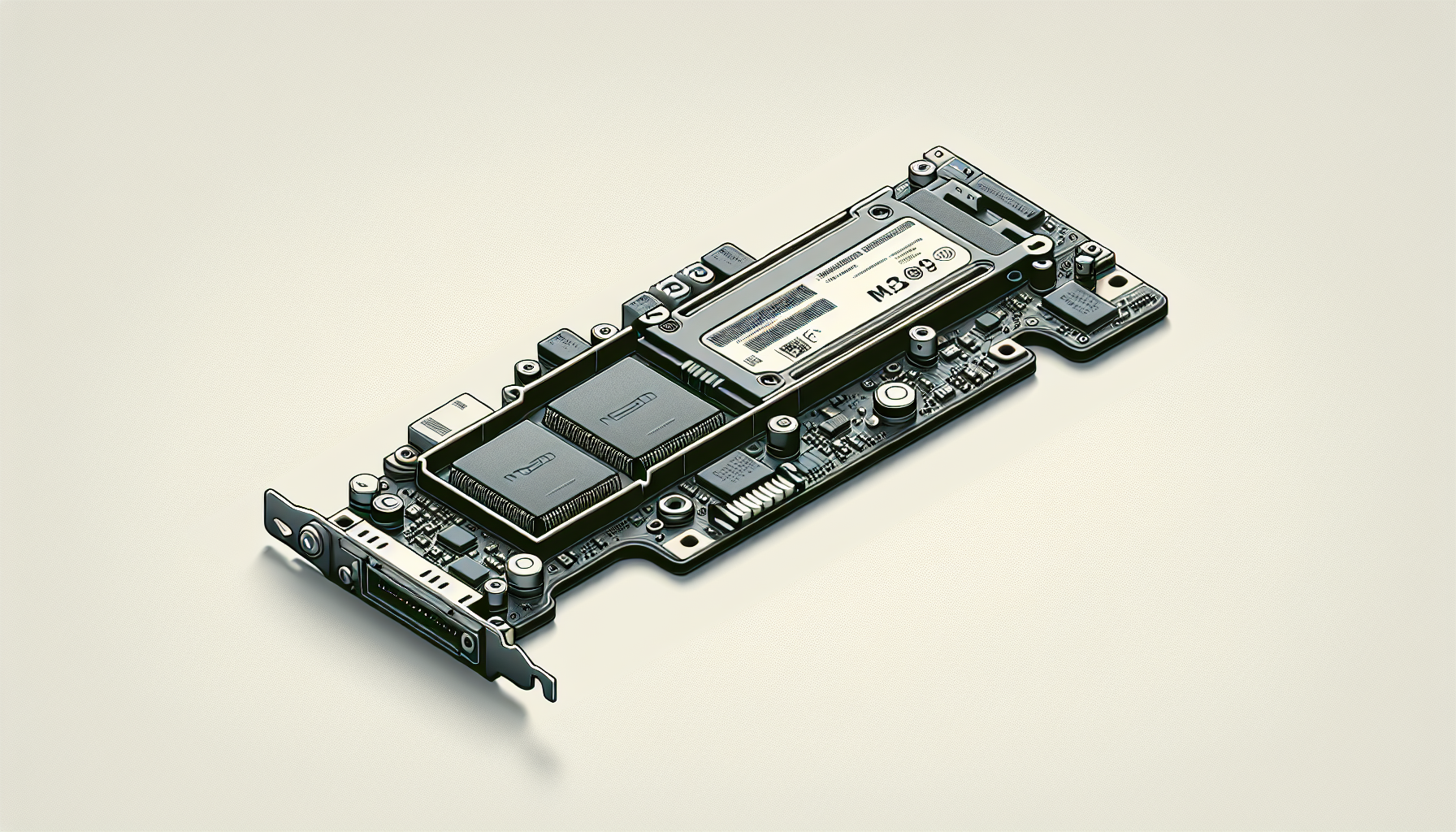
Understanding M.2 SSDs
Introduction to M.2 Technology
M.2 SSDs represent a modern evolution in storage technology, characterised by their compact design and high-speed performance. These devices save persistent data using solid-state flash memory, meaning they have no moving parts. This feature allows M.2 SSDs to be used in space-constrained devices like ultrabook laptops and tablet computers. This innovative design aims to provide efficient and powerful storage solutions for users who need speed and reliability (TechTarget).
Advantages of M.2 SSDs
The M.2 form factor comes with numerous advantages over traditional SSD options. Although smaller, M.2 SSDs can store as much data as other SSD types, while providing faster speeds. They typically outperform older SATA specifications both in terms of speed and efficiency, making them an excellent choice for gamers and power users alike. This advantage often comes at a higher price point compared to conventional SSDs, but for many, the performance benefits justify the investment (Crucial UK).
| Advantage | Description |
|---|---|
| Compact size | Fits into tighter spaces, ideal for slim devices |
| High-speed performance | Faster read/write speeds compared to SATA SSDs |
| No moving parts | Increased durability and reliability |
| Enhanced efficiency | Optimised for performance in power-constrained devices |
M.2 SSDs cater to a variety of use cases, including gaming, content creation, and data-intensive applications, thus making them an essential component in building a modern gaming PC. Consider exploring internal resources for more information on types and installation options, such as what is an m.2 ssd and how to install m.2 ssd.
Types of M.2 SSDs
Understanding the types of M.2 SSDs is essential for gamers looking to enhance their gaming experience through improved storage solutions. M.2 SSDs are primarily classified into two types: SATA M.2 SSDs and NVMe M.2 SSDs, each offering distinct features and performance levels.
SATA M.2 SSDs
SATA M.2 SSDs use the SATA III interface, which provides a maximum data transfer rate of 6Gbps. These SSDs are smaller than traditional 2.5” SATA SSDs, approximately the thickness of a stick of gum, enabling a more compact design in PC builds. They can be installed on any motherboard that supports the M.2 interface and offer significantly faster data transfer speeds compared to 2.5” SSDs.
| Feature | SATA M.2 SSDs |
|---|---|
| Interface | SATA III |
| Maximum Transfer Rate | 6Gbps |
| Size | Similar to a stick of gum |
| Compatibility | Requires M.2 interface on motherboard |
SATA M.2 SSDs are ideal for users seeking a balance between performance and cost. They provide ample speed for general gaming and everyday tasks but may fall short in comparison to NVMe alternatives.
NVMe M.2 SSDs
NVMe M.2 SSDs, on the other hand, operate using the NVMe protocol specifically designed for SSDs, allowing for much greater performance levels. By leveraging the PCIe bus, NVMe M.2 SSDs can achieve theoretical transfer speeds of up to 20Gbps, with real-world speeds reaching up to 3,500MB/s. This is significantly faster than SATA III, which is capped at 600MB/s (Kingston).
| Feature | NVMe M.2 SSDs |
|---|---|
| Interface | NVMe / PCIe |
| Maximum Transfer Rate | Up to 20Gbps (real-world up to 3,500MB/s) |
| Performance | Significantly greater than SATA SSDs |
NVMe M.2 SSDs are suitable for gamers and professionals who require rapid loading times, quicker file transfers, and unrivaled performance, especially in demanding gaming scenarios or data-intensive applications. For more information on how to install these types of drives, check out our guide on how to install M.2 SSD.
Each type of M.2 SSD has its intended usage. Gamers should consider their specific performance needs and budget when choosing between SATA and NVMe M.2 SSDs.
Compatibility and Installation
When considering an M.2 2280 SSD, understanding compatibility and installation procedures is vital for optimal performance in gaming PCs.
M.2 SSD Compatibility with Motherboards
M.2 SSDs are designed to fit directly onto a motherboard without the need for cables. Their compact design allows them to be installed in slim laptops and notebooks, making them a popular choice for modern gamers. Compatibility primarily hinges on the M.2 slot present on the motherboard and the supported protocols. Most motherboards support both SATA and NVMe M.2 SSDs, but verifying specific compatibility is crucial.
| Motherboard Type | Compatibilities |
|---|---|
| Intel Z97 Mainboards | Compatible with Samsung NVMe™ M.2 SSDs |
| AMD Ryzen Setups | Supports various NVMe M.2 SSD brands |
| Ultrabooks | Generally support single-sided M.2 SSDs |
M.2 SSDs can come in different sizes: the standard width is 22 millimeters, and lengths can vary, including 60 mm (M.2 2230) or 80 mm (M.2 2280) configurations, which influence compatibility with various tools Samsung NVMe.
Installing an M.2 SSD
Installing an M.2 SSD is straightforward but requires some preparation. Typically, M.2 SSDs include a screw for attachment, ensuring a secure fit. To install, follow these steps:
- Power Down and Prepare: Switch off the PC and unplug it to avoid any electrical complications.
- Open the Case: Remove the side panel of the PC case for access to the motherboard.
- Locate the M.2 Slot: Find the M.2 slot on the motherboard. Ensure it matches the size of the SSD.
- Insert the SSD: Align the notch on the SSD with the key in the M.2 slot. Gently insert it at a 30-degree angle.
- Secure the SSD: Press it down and secure it with the screw provided.
- Close the Case: Replace the side panel of the case and plug in the PC.
For a detailed guide, refer to our article on how to install m.2 ssd.
If there are any issues, such as the drive not appearing in BIOS, troubleshooting will be necessary (why is my m.2 ssd not showing up in bios). Proper installation will lead to enhanced gaming performance and ensure that the M.2 2280 SSD can operate optimally.
Performance of M.2 SSDs
The performance of M.2 SSDs is a critical consideration for gamers who seek high-speed data access and improved overall system responsiveness. This section compares the speed of SATA and NVMe M.2 SSDs and explores the factors that influence their performance.
Speed Comparison: SATA vs. NVMe
M.2 SSDs can support both SATA and PCIe interface options. The primary difference between these two types lies in their data transfer speeds. NVMe (NVM Express™) drives utilise the PCIe interface, enabling significantly faster speeds compared to SATA M.2 drives.
| Type of M.2 SSD | Maximum Speed | Notes |
|---|---|---|
| SATA M.2 SSD | Up to 600 MB/s | Limited by SATA III interface. |
| NVMe M.2 SSD (PCIe x4) | Up to 4,000 MB/s | Utilises multiple lanes for faster processing. |
| NVMe M.2 SSD (PCIe x2) | Up to 2,000 MB/s | Suitable for lower performance needs. |
NVMe M.2 SSDs combine the advantages of PCIe with superior speed capabilities, providing up to five times more bandwidth than SATA-based models. This translates into noticeable improvements for tasks like file transfers and gaming performance. The parallel nature of the protocol allows for optimised command issuance and processing, crucial for gaming and high-demand applications.
Factors Affecting M.2 SSD Performance
Several factors can influence the performance of M.2 SSDs, including:
Interface Type: The choice between SATA and NVMe can significantly impact speed, with NVMe offering far superior performance due to its design and protocol.
PCIe Lanes: The number of PCIe lanes your M.2 SSD uses affects the maximum speed. A drive using a x4 lane can achieve up to 31.5 Gb/s, which greatly enhances data throughput capabilities.
Drive Capacity: Generally, SSDs with larger capacities may offer better sustained performance, especially for high-load tasks.
Thermal Management: Prolonged use can lead to thermal throttling if the SSD lacks adequate cooling, which can compromise performance.
Firmware and Software Optimisation: Updated firmware and compatible operating systems help in achieving the best performance from M.2 drives.
Understanding these factors enables gamers in Australia aged 20-45 to make an informed decision on the most suitable M.2 2280 SSD for their gaming PC. For further information on installation, refer to our guide on how to install m.2 ssd.
Choosing the Right M.2 SSD
Selecting the right M.2 SSD is crucial for enhancing gaming performance. Gamers should consider compatibility, speed, and storage capacity while making their choice.
Considerations for Gamers
Interface and Speed: Gamers should aim for NVMe M.2 SSDs if they want maximum performance. NVMe drives utilise the PCIe interface, offering read and write speeds that are up to four times faster than those of SATA SSDs. For example, NVMe SSDs provide speeds up to 3,500MB/s, whereas SATA III tops out at around 600MB/s (Kingston).
Storage Capacity: The required storage depends largely on the types of games being played and how many will be installed. Gamers should consider M.2 SSDs with at least 1TB or 2TB of storage for optimal performance and to accommodate modern game sizes.
Thermal Management: Heat dissipation is essential; higher performance means more heat generation. Gamers should look for SSDs that come with heatsinks or thermal management features to maintain optimal operating temperatures.
Brand Reliability: It’s wise to choose SSDs from reputable brands that are known for good customer support and warranty services. This ensures peace of mind when it comes to reliability and potential issues.
Best M.2 SSD for Gaming PCs
Here are some of the top M.2 SSDs suitable for enhancing gaming performance:
| SSD Model | Type | Capacity | Read Speed | Write Speed | Additional Features |
|---|---|---|---|---|---|
| Crucial T500 2TB PCIe Gen4 NVMe M.2 SSD | NVMe | 2TB | 3,500 MB/s | 3,000 MB/s | High endurance, heatsink included |
| Samsung 970 EVO Plus 1TB NVMe M.2 SSD | NVMe | 1TB | 3,500 MB/s | 3,200 MB/s | Smart Thermal Control |
| Western Digital Black SN850 2TB NVMe M.2 SSD | NVMe | 2TB | 7,000 MB/s | 5,300 MB/s | Gaming mode for optimised performance |
| Kingston A2000 1TB NVMe M.2 SSD | NVMe | 1TB | 2,200 MB/s | 2,000 MB/s | Budget-friendly option |
Choosing a suitable M.2 SSD can have a significant impact on gaming experience, providing faster load times and smoother gameplay. Gamers interested in installation can refer to our guide on how to install m.2 ssd for step-by-step instructions.
Future of M.2 SSD Technology
The landscape of M.2 SSD technology is continually evolving, driven by advancements that enhance performance and expand compatibility. For gamers in Australia, understanding these developments can help in making informed decisions when upgrading their gaming rigs.
Advances in M.2 SSD Technology
M.2 SSDs have recently become the standard storage solution for slim laptops and high-performance desktops due to their compact size and efficiency. These SSDs, often compared to a stick of gum, are available in multiple lengths to accommodate various capacities (Kingston). Importantly, M.2 SSDs utilise both SATA and PCIe interfaces, providing flexibility in performance based on motherboard compatibility.
PCIe-based M.2 SSDs exhibit remarkable speed capabilities. Modules utilizing PCIe lanes can achieve significantly higher data transfer rates, with x4 lane configurations capable of speeds up to 31.5 Gb/s (ATP Electronics). This advancement positions NVMe M.2 SSDs as superior choices for gamers seeking rapid load times and improved overall system performance.
| Interface Type | Maximum Speed |
|---|---|
| SATA | Up to 6 Gb/s |
| PCIe x2 | Up to 2 GB/s |
| PCIe x4 | Up to 4 GB/s |
As these advancements continue, the performance gap between M.2 SSDs and traditional hard drives becomes increasingly pronounced, making M.2 technology an essential consideration for new gaming setups.
Trends and Developments in M.2 SSDs
Current trends in M.2 SSD technology focus on increasing storage capacities and enhancing thermal management. Newer models are rolling out with greater than 4TB capacities, catering to the demands of high-definition gaming and expansive game libraries.
Thermal management is crucial for maintaining optimal performance. Innovations such as heat sinks and advanced thermal interfaces are being integrated into M.2 SSD designs to mitigate overheating during intense gaming sessions. Maintaining lower temperature levels can substantially prolong the lifespan of the SSD and improve overall efficiency.
Additionally, as gamers often seek faster data retrieval and loading times, the impact of PCIe protocols like PCIe 4.0 is beginning to take shape. PCIe 4.0 provides double the bandwidth compared to its predecessor (PCIe 3.0), resulting in potential speeds of up to 8 GB/s when using compatible M.2 SSDs.
For gamers looking to stay on the cutting edge of storage technology, keeping an eye on these trends and advancements is essential. Keeping ahead in technology translates to improved gameplay experiences and faster system performance. For those interested in the practical aspects of installation and compatibility, guidance on how to install m.2 ssd and the intricacies of various M.2 options can be beneficial.


