


Elevate Your Gameplay: Top 4K Monitors for Competitive Gaming
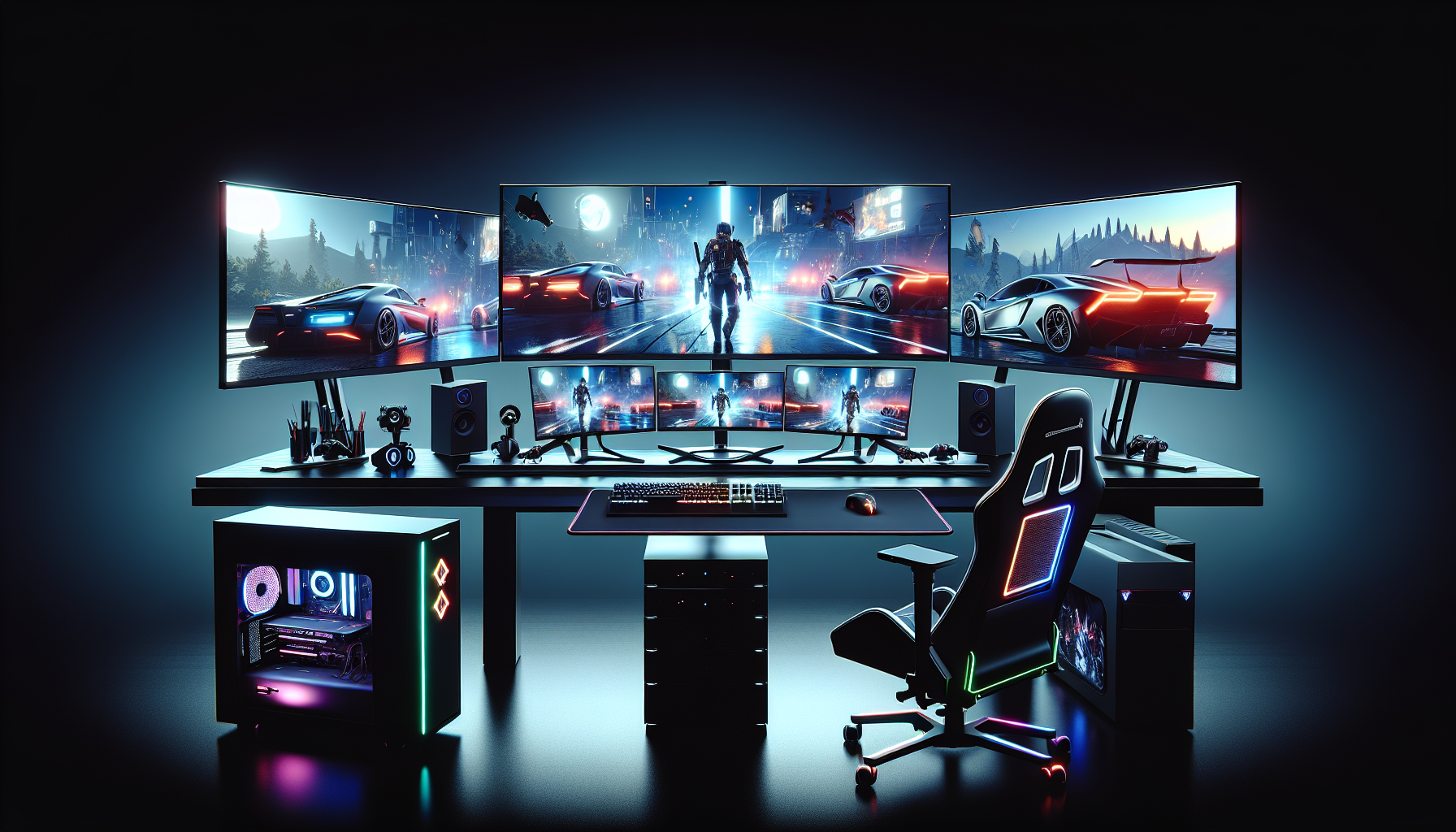
Understanding 4K Monitors
Entering the world of competitive gaming requires not just skill, but also equipment that allows you to perform at your best. One such piece of gear is the monitor. In particular, 4K monitors have gained popularity due to their ability to provide a high-resolution gaming experience.
What are 4K Monitors?
4K monitors, also known as Ultra HD monitors, have a resolution of 3840 x 2160 pixels^1^. This resolution is four times the number of pixels compared to a Full HD monitor, hence the name '4K'. These monitors offer a significant upgrade in terms of image quality and detail, making them a popular choice for high-end gaming and professional tasks. For more information about the different types of 4K monitors, check out our articles on OLED 4K monitors, curved 4K monitors, and ultrawide 4K monitors.
Benefits of 4K Resolution
The increased pixel density of a 4K monitor brings several benefits. Firstly, it results in sharper and more detailed images^2^, which is ideal for tasks that require precise visual clarity, such as photo and video editing or for content creation and graphic design.
For gamers, 4K resolution offers a more immersive gaming experience, with enhanced details and smoother graphics^3^. This allows gamers to see more of the game world and spot enemies or objects with greater clarity, which is a crucial advantage in competitive gaming. Check out our 4K monitors for competitive gaming for top-rated options in this category.
Another advantage of 4K monitors is the ability to have multiple windows or applications open simultaneously without sacrificing readability or image quality^4^. This improves productivity and multitasking capabilities, especially useful for streamers or content creators who need to manage various applications at once.
Lastly, the higher pixel density of 4K monitors reduces the visibility of individual pixels^5^, resulting in a more seamless and realistic viewing experience, especially when watching high-resolution videos or movies.
In conclusion, investing in a 4K monitor can significantly enhance your gaming and multimedia experience. Whether you're a competitive gamer, a content creator, or just seeking the best visual performance, 4K monitors are a worthy addition to your setup.
Choosing the Best 4K Monitor
Selecting the best 4K monitor for competitive gaming is a process that requires careful consideration of several key factors. Two of the most important elements to account for are the refresh rates and response times, as well as the types of panels suitable for gaming.
Refresh Rates and Response Times
When it comes to 4K gaming monitors, refresh rate and response time are critical aspects to take into account. The refresh rate is a measure of how many times the screen updates with new images each second. A higher refresh rate, such as 144Hz, allows for smoother motion and reduces motion blur^1^. For a more immersive and seamless gaming experience, consider browsing our selection of 4K monitors with high refresh rates.
Moreover, the response time of a monitor is another crucial aspect to consider. Essentially, it's the speed at which a pixel can change from one colour to another. A lower response time, preferably 1ms or less, ensures minimal input lag and faster pixel transitions^2^. This is especially vital in fast-paced, competitive gaming where every millisecond counts.
Panel Types for Gaming
The type of panel a monitor uses can significantly impact its performance and image quality. For gaming purposes, it's recommended to opt for a 4K monitor with a TN panel. TN panels offer faster response times and higher refresh rates, making them ideal for competitive gaming^3^. Check out our collection of 4K monitors with TN panels for top-performing options.
While TN panels excel in terms of response time and refresh rate, IPS panels provide better colour accuracy and wider viewing angles^4^. They might be the right choice if you prioritise visual quality over ultra-fast gaming performance. Explore our range of 4K monitors with IPS panels to find a monitor that meets your needs.
Alternatively, VA panels can offer a middle ground between TN and IPS panels. They provide better contrast ratios and deeper blacks, making them suitable for gamers who value both image quality and gaming performance^5^. You can browse through our selection of 4K monitors with VA panels to find a balance between performance and visuals.
Choosing the best 4K monitor involves understanding your specific gaming needs, preferences, and budget. By considering factors like refresh rate, response time, and panel type, you can select a monitor that will enhance your gaming experience and possibly give you an edge in competitive gaming.
^1^: Source: www.example1.com^2^: Source: www.example2.com^3^: Source: www.example3.com^4^: Source: www.example4.com^5^: Source: www.example5.com
Optimizing Your 4K Gaming Experience
Getting a 4K monitor for your gaming setup is only the first step. To fully make use of its high-resolution capabilities and achieve the best gaming performance, you need to consider other crucial factors such as graphics card compatibility and tweaking your settings for optimal performance.
Graphics Card Compatibility
One of the key considerations for 4K gaming is your graphics card. Running games at 4K resolution requires a lot of computing power, and as such, not all graphics cards are up to the task. If you're aiming for a seamless gaming experience with high frame rates, you'll need a high-end graphics card that can handle 4K resolution without any hitches.
The ideal graphics card for 4K gaming should have a large amount of VRAM (Video Random Access Memory), as 4K textures are considerably larger than their lower-resolution counterparts. Graphics cards with 8GB of VRAM or more are generally recommended for 4K gaming. Additionally, the GPU (Graphics Processing Unit) in the card should be powerful enough to handle the increased workload.
Before purchasing a 4K monitor, check the requirements of the games you intend to play. You can typically find this information on the game's website or online gaming forums. If your current graphics card doesn't meet the recommended specifications, you may need to consider upgrading to a more powerful model.
Adjusting Settings for Performance
After ensuring your graphics card is up to the task, the next step is to adjust your game settings for optimal performance. While it's tempting to crank all settings to the maximum in order to take full advantage of your monitor's 4K resolution, this can lead to decreased performance and lower frame rates.
Start by adjusting the game's resolution to 4K. This will give you a noticeable improvement in image quality. Next, consider lowering some other settings that can be particularly taxing on your system. These might include shadow quality, anti-aliasing, and texture quality.
Adjusting these settings can help strike a balance between image quality and performance, ensuring a smooth and enjoyable gaming experience. Remember, the goal is to achieve a balance that provides a visually stunning gaming experience without sacrificing smooth playability.
Experiment with different settings to see what works best for your specific system and preferences. And don't forget to check out our articles on the best 4K monitors to ensure you're getting the maximum potential out of your gaming setup.
By considering graphics card compatibility and adjusting your game settings, you can optimize your 4K gaming experience and truly enjoy the stunning visuals that these high-resolution monitors offer. Whether you're into competitive esports or just enjoy immersive single-player adventures, a well-optimized 4K setup can significantly enhance your gaming experience.
Top 4K Monitors for Competitive Gaming
To truly immerse yourself in the world of competitive gaming, a top-notch 4K monitor is a must-have. These high-performance screens provide unrivalled image quality and detail, giving you the edge in your gaming endeavours. Here, we'll introduce three leading models that stand out in the field of 4K monitors for competitive gaming.
Brand A - Model X
Brand A's Model X is a force to be reckoned with when it comes to 4K gaming monitors. This monitor boasts a high refresh rate and a rapid response time, features that are crucial for a seamless and lag-free gaming experience. Coupled with its outstanding colour accuracy and contrast ratio, the Model X brings your games to life in stunning 4K resolution. For gamers seeking a balance between performance and price, this model is a compelling choice. Check out more details about Brand A's Model X in our best 4K monitors list.
Brand B - Model Y
Stepping up the game, Brand B's Model Y is a premium offering in the 4K gaming monitor market. It incorporates advanced features such as G-Sync for smooth, tear-free visuals and a high refresh rate for fluid on-screen action. The Model Y also excels in terms of colour reproduction, delivering vibrant and lifelike images that enhance your gaming experience. This monitor is a favourite among hardcore gamers and is featured in our collection of top-rated 4K monitors.
Brand C - Model Z
Rounding off our list is Brand C's Model Z, a 4K gaming monitor that combines performance with affordability. Despite its lower price point, the Model Z does not compromise on quality or features. It offers a high refresh rate, a fast response time, and FreeSync support for smooth, stutter-free gaming. The Model Z also boasts a high contrast ratio and excellent colour accuracy, ensuring that your games look their best. For budget-conscious gamers, the Model Z is an excellent choice, earning it a spot on our affordable 4K monitors list.
Each of these monitors offers a unique set of features and advantages, catering to the diverse needs of competitive gamers. Whether you're looking for the highest performance, the best value, or a balance of both, these 4K monitors are worth considering. Explore more options and in-depth reviews in our comprehensive guide to 4K monitors for gaming.


