


Dust vs. Performance: Does Removing Dust from a PC Make It Run Faster?
Debunking the Dust Myth
The Relationship Between Dust and PC Performance
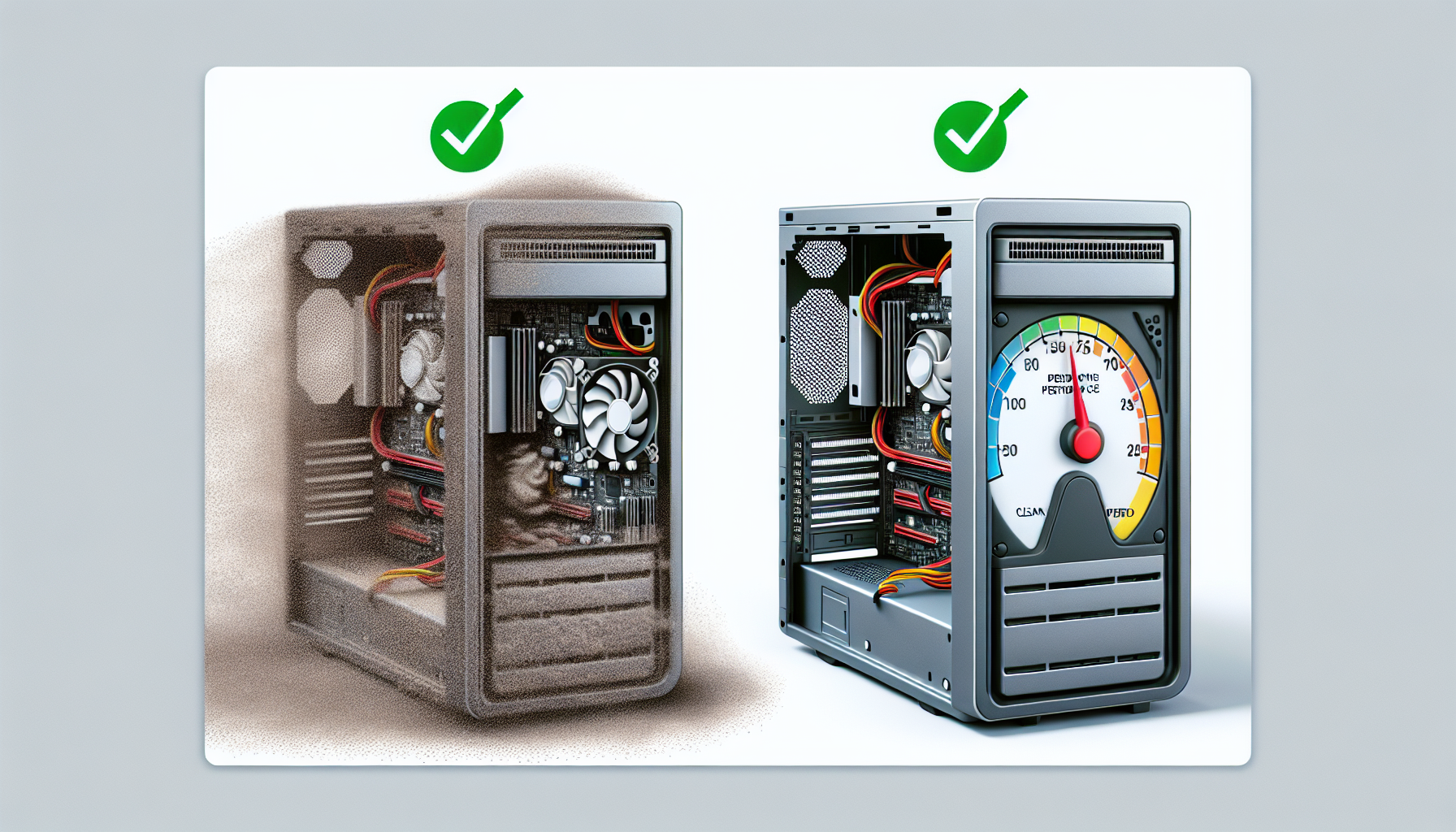
Dust accumulation inside a computer can significantly impact its performance. While many may believe that a dust-free environment will lead to faster processing speeds, the reality is more nuanced. Dust does not directly slow down a computer's processing power. However, it can lead to overheating, which may cause thermal throttling—a state where the CPU or GPU reduces its speed to avoid damage from excessive heat. This throttling can create the perception of a slower system, as performance may drop during intensive tasks.
| Dust Level | Potential Performance Impact |
|---|---|
| Low | Minimal impact on performance |
| Moderate | Increased risk of overheating |
| High | Significant thermal throttling and potential hardware damage |
Understanding this relationship is crucial for IT managers and business owners. Regular maintenance, including dust removal, can help prevent overheating and ensure optimal performance.
Common Misconceptions About Dust Build-Up
There are several misconceptions surrounding dust build-up and its effects on computer performance. One common myth is that cleaning a computer will immediately result in a noticeable speed increase. While maintaining a clean system can enhance airflow and cooling efficiency, improvements in speed may not be immediately apparent unless the system was previously suffering from severe overheating.
Another misconception is that all types of dust are equally harmful. In reality, the type of dust and debris can vary. For example, fine dust can be more problematic as it may clog fans and vents more quickly than larger particles. Understanding the differences can help in implementing effective cleaning strategies.
To learn more about the impacts of dust and the importance of regular cleaning, refer to our article on pc cleaning performance impact. Additionally, exploring the consequences of not dusting pc can provide further insights into the importance of maintenance for optimal performance.
Impact of Dust on PC Performance
Dust accumulation inside a PC can significantly affect its performance. Understanding the impact of dust on overheating, thermal throttling, and potential hardware damage is essential for IT managers and business owners seeking effective maintenance strategies.
Overheating and Thermal Throttling
One major issue associated with dust build-up is overheating. Dust can obstruct airflow within the computer, leading to inadequate cooling of critical components such as the CPU and GPU. When temperatures rise above safe operating levels, the system may enter thermal throttling mode as a protective measure. This results in reduced performance, as the processor slows down to prevent damage.
The following table outlines typical temperature ranges for various PC components and the effects of overheating:
| Component | Normal Operating Temperature (°C) | Overheating Temperature (°C) | Potential Effects |
|---|---|---|---|
| CPU | 30 - 70 | Above 85 | Thermal throttling, reduced lifespan |
| GPU | 30 - 85 | Above 90 | Performance drop, potential hardware failure |
| Power Supply | 40 - 60 | Above 80 | System instability, component failure |
Regular dust removal can help maintain optimal temperatures, preventing overheating and ensuring reliable performance. For more information on cleaning techniques, refer to our article on pc dust cleaning benefits.
Potential Hardware Damage Due to Dust Accumulation
In addition to causing overheating, dust can also lead to long-term hardware damage. Dust particles can settle on critical components, causing electrical shorts, corrosion, and mechanical failure. For example, dust on fans can obstruct their operation, leading to insufficient cooling and increased wear and tear.
The following table summarises the potential hardware issues caused by dust accumulation:
| Hardware Component | Potential Issues Due to Dust |
|---|---|
| Motherboard | Short circuits, component damage |
| Hard Drive | Mechanical failure, data loss |
| RAM | Corrosion, performance degradation |
| Graphics Card | Overheating, reduced lifespan |
Neglecting dust removal can result in costly repairs and replacements. Regular maintenance is essential to ensure the longevity and performance of the PC. For further insights on the consequences of ignoring dust, check out our article on consequences of not dusting pc.
By understanding the impacts of dust on PC performance, IT professionals can implement effective strategies to keep their systems running optimally.
Importance of Regular Dust Removal
Regular dust removal is a critical aspect of maintaining a PC's performance. Neglecting this maintenance task can lead to various issues that affect the overall functionality and lifespan of computer hardware.
Benefits of Regular Cleaning
Engaging in regular cleaning routines offers multiple advantages, particularly in enhancing PC performance. Here are key benefits:
| Benefit | Description |
|---|---|
| Improved Airflow | Regular dust removal prevents blockages in fans and vents, allowing for optimal airflow within the system. |
| Enhanced Cooling | A dust-free environment helps maintain lower temperatures, reducing the risk of overheating and thermal throttling. |
| Increased Longevity | Consistent maintenance can extend the lifespan of hardware components by preventing damage due to dust accumulation. |
| Better Performance | Clean components operate more efficiently, leading to faster processing speeds and reduced lag. |
For more insights on how cleaning affects performance, refer to our article on pc cleaning performance impact.
Recommended Cleaning Techniques
To effectively remove dust and maintain a clean PC, the following techniques are recommended:
| Technique | Description |
|---|---|
| Compressed Air | Utilise compressed air cans to blow dust out of vents, fans, and other hard-to-reach areas. This method is effective and non-invasive. For tips on using this method safely, see compressed air pc cleaning. |
| Microfiber Cloth | Wipe surfaces with a microfiber cloth to capture dust without scratching surfaces. This is ideal for cleaning screens and external components. |
| Internal Dusting | Perform internal cleaning by carefully opening the PC case and using a soft brush or vacuum specifically designed for electronics. Check our guide on internal pc dusting for detailed steps. |
| Regular Schedule | Establish a routine cleaning schedule based on usage. For recommendations on frequency, refer to pc cleaning frequency. |
By implementing these techniques, IT managers and business owners can ensure their PCs remain free from dust, thereby maximising performance and longevity. For more comprehensive cleaning strategies, explore our article on best pc cleaning practices.
Maximizing PC Performance
To enhance the overall performance of a PC, especially in the context of dust removal and maintenance, IT managers and business owners should adopt a few essential practices. These practices not only ensure smooth operation but also prolong the lifespan of the hardware.
Additional Maintenance Tips
Regular maintenance is crucial for optimal performance. Here are some effective tips to consider:
| Maintenance Task | Frequency | Impact on Performance |
|---|---|---|
| Dust Removal | Every 3-6 months | Prevents overheating and improves airflow |
| Software Updates | Monthly | Enhances security and optimises performance |
| Disk Cleanup | Quarterly | Frees up storage space and boosts speed |
| Hardware Checks | Bi-Annually | Identifies potential issues before they escalate |
Implementing these tasks can significantly improve the performance of the PC. For more information on how cleaning impacts performance, refer to our article on pc cleaning performance impact.
Monitoring and Managing Dust Levels
Keeping track of dust levels in a PC is essential for preventing performance issues. IT professionals should implement a systematic approach to monitor dust accumulation, which can include:
- Regular Visual Inspections: Conduct visual checks every month to see if dust is building up, particularly around vents and fans.
- Use of Monitoring Tools: Software tools can provide insights into temperature changes which may indicate dust-related issues.
- Setting Maintenance Reminders: Establish reminders for regular cleaning sessions to ensure dust does not accumulate excessively.
To help manage dust levels effectively, consider utilising the following strategies:
| Strategy | Description |
|---|---|
| Air Filters | Install air filters in the environment to reduce dust entering the PC case. |
| Controlled Environment | Maintain a clean workspace, free from excessive dust and debris. |
| Proper Ventilation | Ensure that the PC is placed in a well-ventilated area to reduce heat and dust build-up. |
For more in-depth guidance on the consequences of neglecting dust maintenance, refer to our article on consequences of not dusting pc. Regular attention to these factors can lead to enhanced performance and longevity of computer systems.


