


Dominate the Heat: Unleashing the Potential of PC Fan Types
Understanding PC Cooling
When it comes to gaming PCs, proper cooling is crucial for maintaining optimal performance and preventing overheating. Efficient cooling is essential to prevent thermal throttling and ensure stable operation of gaming components. Factors such as ambient temperature, component load, and airflow within the PC case can significantly impact the temperature of a gaming PC. It's vital to understand the importance of cooling and the factors that can affect PC temperature to make informed decisions when it comes to choosing the right cooling solutions for your gaming setup.
Importance of Cooling in Gaming PCs
Proper cooling is essential for gaming PCs due to several reasons. Firstly, gaming components generate a significant amount of heat during intense gameplay sessions. Without effective cooling, this heat can build up, leading to temperature spikes that can negatively impact performance and even cause system crashes. Overheating can also lead to thermal throttling, a process where the system reduces performance to prevent component damage.
Efficient cooling not only ensures consistent performance but also extends the lifespan of gaming components. By maintaining lower temperatures, the risk of heat-related damage is significantly reduced. This is especially important for overclocking enthusiasts who push their hardware to its limits, as higher clock speeds generate more heat.
Factors Affecting PC Temperature
Several factors can influence the temperature of a gaming PC. Ambient temperature, the temperature of the surrounding environment, plays a significant role. Higher ambient temperatures make it more challenging to dissipate heat from the system, leading to increased internal temperatures.
Component load is another crucial factor. Intensive tasks such as gaming or running demanding applications put a heavy load on the CPU and GPU, generating more heat. The cooling system needs to be capable of effectively dissipating this heat to maintain optimal temperatures.
The overall airflow design within the PC case is also critical for effective cooling. The type and quality of cooling fans, as well as their placement, play a crucial role in maintaining low temperatures. Proper airflow ensures that cool air is drawn in and hot air is expelled efficiently, preventing heat buildup.
To monitor and manage PC temperatures, it's recommended to use PC temperature monitoring software. This software allows you to keep an eye on the temperature of various components, enabling you to take necessary action if temperatures rise too high.
Understanding the importance of cooling and the factors that affect PC temperature is the first step in ensuring the longevity and optimal performance of your gaming PC. In the next sections, we will explore different types of PC fans, air and liquid cooling systems, and provide tips for choosing the right cooling solutions for your gaming setup.
Types of PC Fans
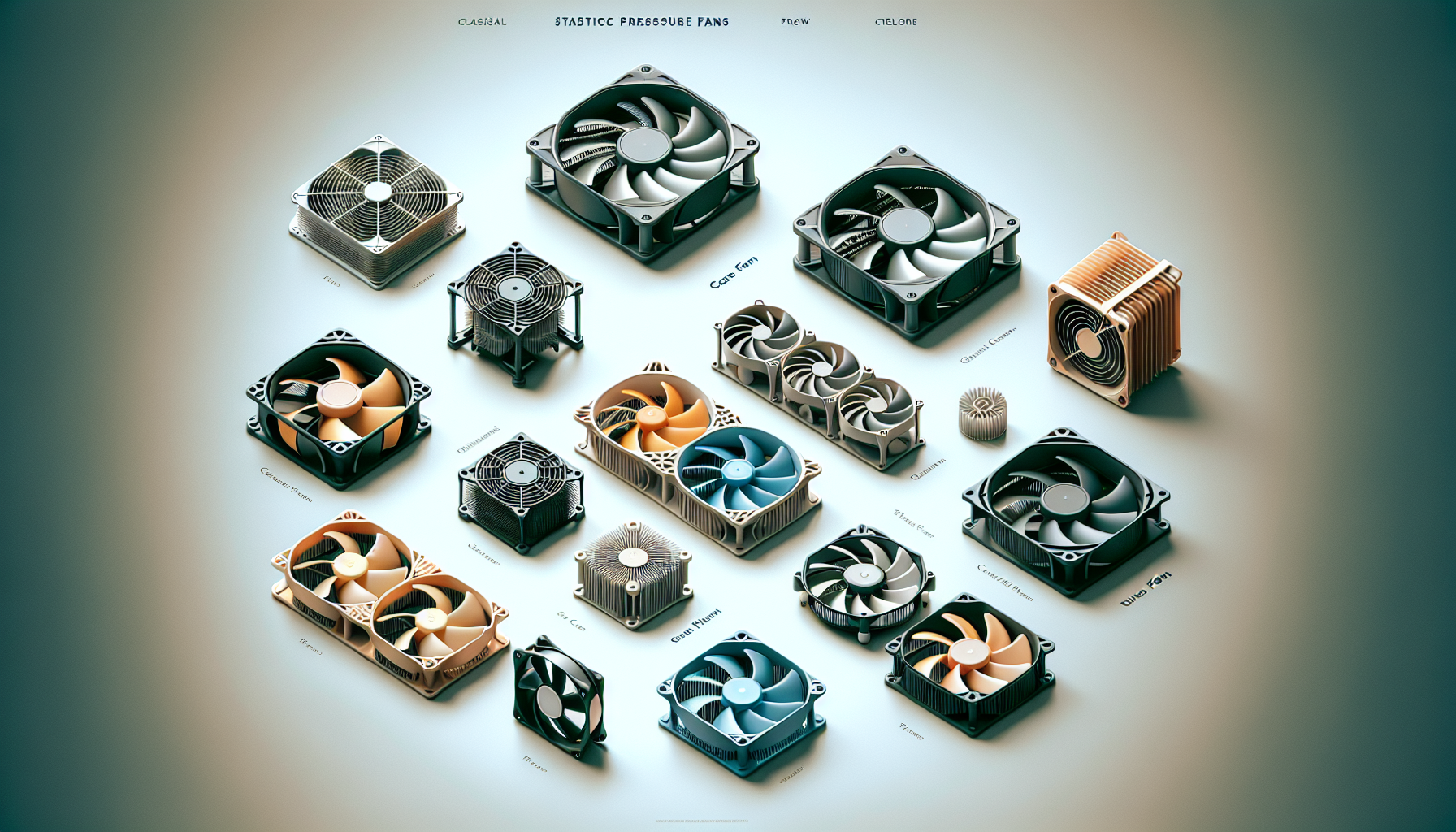
When it comes to keeping your gaming PC cool and running efficiently, having the right type of PC fans is essential. Different components of your PC require specific cooling solutions to maintain optimal temperatures. Let's explore the three main types of PC fans: case fans, CPU coolers, and GPU coolers.
Case Fans
Case fans play a crucial role in maintaining adequate airflow within your PC case. They are typically mounted on the front, rear, or top of the case to facilitate the intake and exhaust of air. Case fans help to dissipate heat generated by various components, such as the CPU and GPU, and prevent the buildup of hot air inside the case.
When choosing case fans, factors such as size, airflow, and noise levels should be considered. It's important to ensure compatibility with your case and motherboard. Most case fans come in standard sizes, including 120mm and 140mm, but it's always best to check your case specifications before purchasing. Additionally, some case fans offer RGB lighting options, allowing you to add a touch of personalization to your gaming setup.
CPU Coolers
The CPU is one of the most critical components of a gaming PC, and it can generate a significant amount of heat during intense gaming sessions. CPU coolers are designed to dissipate this heat and maintain safe operating temperatures.
There are two main types of CPU coolers: air coolers and liquid coolers. Air coolers consist of a heatsink and a fan. They rely on the airflow generated by the fan to cool the heatsink, which then transfers the heat away from the CPU. Air coolers are generally more affordable and easier to install, making them a popular choice among gamers. However, they might not be as effective in cooling high-end, overclocked CPUs.
Liquid coolers, on the other hand, use a closed-loop system to transfer heat away from the CPU. They consist of a radiator, pump, and water block. Liquid coolers are known for their superior cooling performance and are particularly effective for overclocked CPUs. However, they tend to be more expensive and require more intricate installation.
GPU Coolers
The graphics processing unit (GPU) is another component that can generate significant heat, especially during graphically demanding tasks. GPU coolers are designed to dissipate this heat and prevent overheating, which can result in performance issues and potential damage.
GPU coolers come in various forms, including blower-style coolers and open-air coolers. Blower-style coolers feature a single fan that pulls air from within the case and exhausts it through a vent at the rear of the graphics card. This design helps to direct hot air outside the case, making them suitable for compact builds with limited airflow.
Open-air coolers, on the other hand, consist of multiple fans and heat pipes that direct airflow across the GPU heatsink. This design allows for improved cooling efficiency but may contribute to slightly higher temperatures within the case.
When selecting a GPU cooler, consider factors such as compatibility with your graphics card and the available space within your case. Some high-end GPUs may come with custom coolers that offer enhanced cooling performance and reduced noise levels.
By understanding the different types of PC fans and their respective roles, you can make informed decisions when it comes to selecting the right cooling solutions for your gaming PC. Remember to consider factors such as compatibility, airflow, noise levels, and your specific cooling needs to ensure optimal performance and longevity of your gaming rig. If you're looking for top-rated cooling fans, check out our article on top-rated cooling fans for recommendations and reviews.
Air vs. Liquid Cooling
When it comes to keeping your gaming PC cool, there are two main options to consider: air cooling systems and liquid cooling systems. Each has its own advantages and considerations, so let's explore both.
Air Cooling Systems
Air cooling systems are the most common and widely used cooling method for gaming PCs. These systems typically consist of fans placed strategically throughout the PC case to circulate air and dissipate heat. The fans draw in cool air from the surroundings and blow it over the components, such as the CPU and GPU, to keep them at optimal temperatures.
One of the key advantages of air cooling systems is their simplicity and affordability. They are easy to install and require minimal maintenance. Additionally, air cooling systems are generally more accessible and compatible with a wide range of PC cases and components.
When choosing air cooling fans, it's important to consider factors such as fan size, airflow, and noise levels. Opting for larger fans with higher airflow can provide better cooling performance, while quieter fans can help maintain a more peaceful gaming experience. You can find a variety of top-rated cooling fans suitable for different PC setups.
Liquid Cooling Systems
Liquid cooling systems, also known as water cooling systems, offer a more advanced cooling solution for gaming PCs. These systems use a combination of water blocks, radiators, pumps, and coolant to dissipate heat from the PC components. The coolant absorbs the heat and transfers it to the radiator, where it is then expelled by fans.
One of the main advantages of liquid cooling systems is their superior cooling performance. They are capable of efficiently cooling high-performance components, such as overclocked CPUs and high-end GPUs, that generate significant heat. Liquid cooling systems also tend to be quieter compared to air cooling systems, as the fans can run at lower speeds due to the superior heat dissipation.
However, liquid cooling systems are generally more complex and expensive to install compared to air cooling systems. They require careful planning, compatibility checks, and regular maintenance to ensure optimal performance. If you opt for a liquid cooling system, it's essential to choose high-quality components and adhere to proper installation guidelines.
Ultimately, the choice between air cooling and liquid cooling depends on your specific needs and preferences. Air cooling systems are a reliable and cost-effective solution for most gamers, while liquid cooling systems offer enhanced cooling capabilities for enthusiasts pushing the limits of their hardware. Consider factors such as your PC's power requirements, budget, and noise tolerance when making your decision.
To monitor and manage the temperature of your gaming PC, you can use PC temperature monitoring software and fan speed control software. These tools allow you to monitor the temperature of your components in real-time and adjust fan speeds accordingly to maintain optimal cooling performance.
Choosing the Right Fan for Your PC
When it comes to selecting a fan for your PC, there are a few important factors to consider. Two key considerations are the size and compatibility of the fan, as well as the noise levels it produces. Let's explore these factors in more detail.
Size and Compatibility
Size and compatibility are crucial when choosing a fan for your PC. It is essential to ensure that the fan you choose fits properly in your case and is compatible with your motherboard's fan headers. This way, you can ensure optimal airflow and prevent any installation issues.
To determine the appropriate fan size, you can refer to your case specifications or measure the available space. Common fan sizes include 120mm and 140mm, although other sizes are also available. Checking compatibility with your motherboard's fan headers is equally important to ensure seamless connectivity. Double-checking the fan's dimensions and compatibility before making a purchase is recommended to avoid any compatibility issues[^1^][^3^][^6^][^9^].
Noise Levels
The noise level of a fan is another essential factor to consider, especially for gamers seeking a quieter gaming experience. Look for fans that have low noise ratings, typically measured in decibels (dB). Fans with a decibel rating of 25 or lower are generally considered quiet and can significantly reduce the overall noise generated by your PC[^2^][^5^].
To minimize noise levels, consider fans with lower RPM (revolutions per minute) ratings. Fans with a higher number of blades and larger diameters tend to produce less noise while maintaining adequate airflow. Additionally, fans with features like rubber dampeners or fluid dynamic bearings (FDB) can help reduce noise and vibrations. These features contribute to a quieter gaming environment without compromising cooling performance[^4^][^5^][^8^][^10^].
When choosing a fan, it's important to strike a balance between cooling performance and noise output. You can also consider fans with PWM (Pulse Width Modulation) control or adjustable fan speeds, allowing you to fine-tune the fan's performance based on your preferences[^8^].
By considering the size and compatibility of the fan, as well as the noise levels it produces, you can choose the right fan for your PC that delivers efficient cooling while maintaining a quieter gaming experience. Remember to refer to your case and motherboard specifications, and consider the noise ratings and features of different fans to make an informed decision[^1^][^2^][^3^][^4^][^5^][^6^][^8^][^9^][^10^].
Installation and Maintenance Tips
To ensure optimal cooling and performance of your PC, proper fan placement and regular maintenance are essential. Let's explore these important aspects in detail.
Proper Fan Placement
Proper fan placement is crucial for effective cooling in a PC. It is recommended to follow a general airflow pattern within the case to maximize cooling efficiency. Here are some guidelines for fan placement:
Intake Fans: Place intake fans at the front or bottom of the case to bring in cool air from outside. This helps to provide a fresh supply of cool air to the components. Intake fans can also be positioned on the side panel if your case supports it.
Exhaust Fans: Position exhaust fans at the top or rear of the case to expel hot air. This allows for the removal of hot air that has been heated by the components. By creating proper airflow, exhaust fans help in maintaining lower temperatures.
It's important to note that the specific fan placement and configuration may vary depending on your PC case and its airflow design. Be sure to consult the manufacturer's guidelines for optimal fan placement.
Cleaning and Dust Management
To ensure efficient cooling and prevent potential damage to your PC components, regular cleaning and dust management are crucial. Dust buildup can hinder airflow and lead to higher temperatures. Here are some tips for effective cleaning and dust management:
Clean the Fans: Regularly clean the fans using compressed air or a soft brush to remove accumulated dust. Pay special attention to the fan blades, as dust can accumulate there and affect their performance.
Use Dust Filters: Consider using dust filters, which can be placed over intake fans. These filters trap dust particles and prevent them from entering the case. This reduces the need for frequent cleaning and helps in maintaining optimal airflow. Dust filters can be easily cleaned or replaced as needed.
Maintain a Dust-Free Environment: Keep the area around your PC clean to minimize dust accumulation. Regularly dust the surfaces near your PC and ensure proper ventilation in the room.
Cable Management: Organize cables and keep them away from fans to avoid obstructing airflow. Proper cable management allows for unrestricted airflow and helps in maintaining lower temperatures. Consider using cable ties or cable management solutions to keep cables organized.
By following these installation and maintenance tips, you can optimize the cooling performance of your PC and ensure the longevity of your components. For more information on PC cooling and top-rated cooling fans, be sure to explore our comprehensive resources.
Advanced Cooling Solutions
When it comes to PC cooling, there are advanced solutions available that can enhance both performance and aesthetics. Two popular options in this category are RGB fans and fan speed controllers. Let's take a closer look at these advanced cooling solutions.
RGB Fans
RGB (Red, Green, Blue) fans are more than just cooling components. They also add a vibrant touch to your gaming setup. These fans feature customizable lighting options that allow you to create stunning visual effects. With the help of RGB cooling fans, you can synchronize the lighting effects with other RGB components in your PC, such as keyboards, mice, and motherboards, to create a cohesive and visually appealing gaming experience.
Not only do RGB fans offer aesthetic benefits, but they also provide efficient cooling. They operate similarly to traditional fans in terms of airflow and cooling capabilities. By choosing fans with RGB lighting, you can enhance the overall look of your PC while keeping it cool during intense gaming sessions.
Fan Speed Controllers
Controlling the speed of your PC fans can be crucial for maintaining optimal performance and noise levels. Fan speed controllers give you the ability to adjust the rotational speed of your cooling fans to find the perfect balance between cooling efficiency and noise reduction. With the help of fan speed control software or physical fan controllers, you can easily tweak the fan speeds according to your specific requirements.
Fan speed controllers allow you to manually adjust the fan speeds or set them to automatically adjust based on the temperature readings of your PC. This level of control is particularly important for overclocking enthusiasts who want to push their systems to the limit while still maintaining stable temperatures. Additionally, reducing fan speeds when the system is idle or under light load can significantly reduce noise levels, creating a more enjoyable gaming experience.
By incorporating these advanced cooling solutions into your gaming PC, you can not only keep your system running smoothly but also elevate the visual appeal of your setup. Whether you opt for RGB fans to add some vibrant lighting effects or utilize fan speed controllers for precise control over cooling and noise levels, these advanced cooling solutions provide you with the tools to unleash the full potential of your gaming rig. For a selection of top-rated cooling fans, check out our article on top-rated cooling fans.


