


Dominate the Battle: Liquid Cooling Fans for PC Gaming Excellence
Importance of PC Cooling
As a PC gamer, the performance and longevity of your gaming rig is paramount. One often overlooked factor that is crucial in maintaining your system's health is cooling. Effective cooling not only ensures smooth gaming sessions but also extends the life of your components.
Significance of Cooling Fans
Cooling fans play a pivotal role in any PC cooling system. They are the first line of defense against the heat generated by high-performance components such as the CPU, GPU, and other internal hardware. Without adequate cooling, these components can overheat, leading to thermal throttling, decreased performance, or even permanent damage.
A well-cooled system maintains optimal temperatures, ensuring that each component runs within its intended thermal specifications. This is especially important during intense gaming sessions or when running demanding applications, where the hardware is pushed to its limits.
In addition to preventing overheating, cooling fans can also contribute to a more stable and reliable system. Fluctuating temperatures can lead to inconsistent performance, but a steady airflow from pc cooling fans helps to keep the internal environment of the PC case stable.
Moreover, cooling fans are not just about maintaining temperatures; they also impact the acoustics of your setup. High-quality quiet pc cooling fans can keep noise levels to a minimum, allowing you to immerse yourself in the gaming experience without any distracting sounds.
For gamers looking to push their systems with overclocking, cooling becomes even more critical. Overclocking increases the power consumption and heat output of components, and only a robust cooling system can dissipate this excess heat effectively.
PC cooling is not a one-size-fits-all solution. Fans come in various sizes, such as 120mm pc cooling fans and 140mm pc cooling fans, and with features like rgb pc cooling fans for those who also care about aesthetics. Some are designed for high airflow, while others offer high static pressure pc fans for use in tight spaces or with radiators.
In summary, cooling fans are an essential component for anyone serious about PC gaming. They ensure that your gaming PC operates at peak efficiency, safeguarding your investment and enhancing your gaming experience. To explore the various options and find the best pc cooling fans for your setup, consider the specific needs of your system and the balance between performance and noise levels.
Types of PC Cooling Fans
Maintaining an optimal temperature within a gaming PC is crucial to ensure performance and longevity. There are two primary types of cooling fans used in PC gaming setups: air cooling fans and liquid cooling fans. Each type comes with its own set of characteristics tailored to different cooling needs.
Air Cooling Fans
Air cooling fans are the most common cooling solution found in PCs. They work by drawing cooler air into the case from the outside and expelling warm air from the inside. This type of cooling is sufficient for most gaming PCs, especially if they are not being overclocked.
| Fan Type | Typical Size | Noise Level | Cooling Capacity |
|---|---|---|---|
| Air Cooling Fans | 120mm / 140mm | Moderate to High | Adequate for standard use |
Air cooling systems are simple to install and maintain, making them a go-to choice for many gamers. They are available in a variety of sizes and styles, such as 120mm pc cooling fans and 140mm pc cooling fans, which are common in many builds. For those looking to add a visual flair to their setup, rgb pc cooling fans offer customizable lighting options.
One of the benefits of air cooling fans is their affordability compared to liquid cooling systems. They are a cost-effective way to manage your PC's temperature, although they may not always provide the same level of cooling efficiency as liquid systems, especially under intense gaming conditions. Gamers who prioritize a quiet gaming environment may opt for quiet pc cooling fans designed to reduce noise.
Liquid Cooling Fans
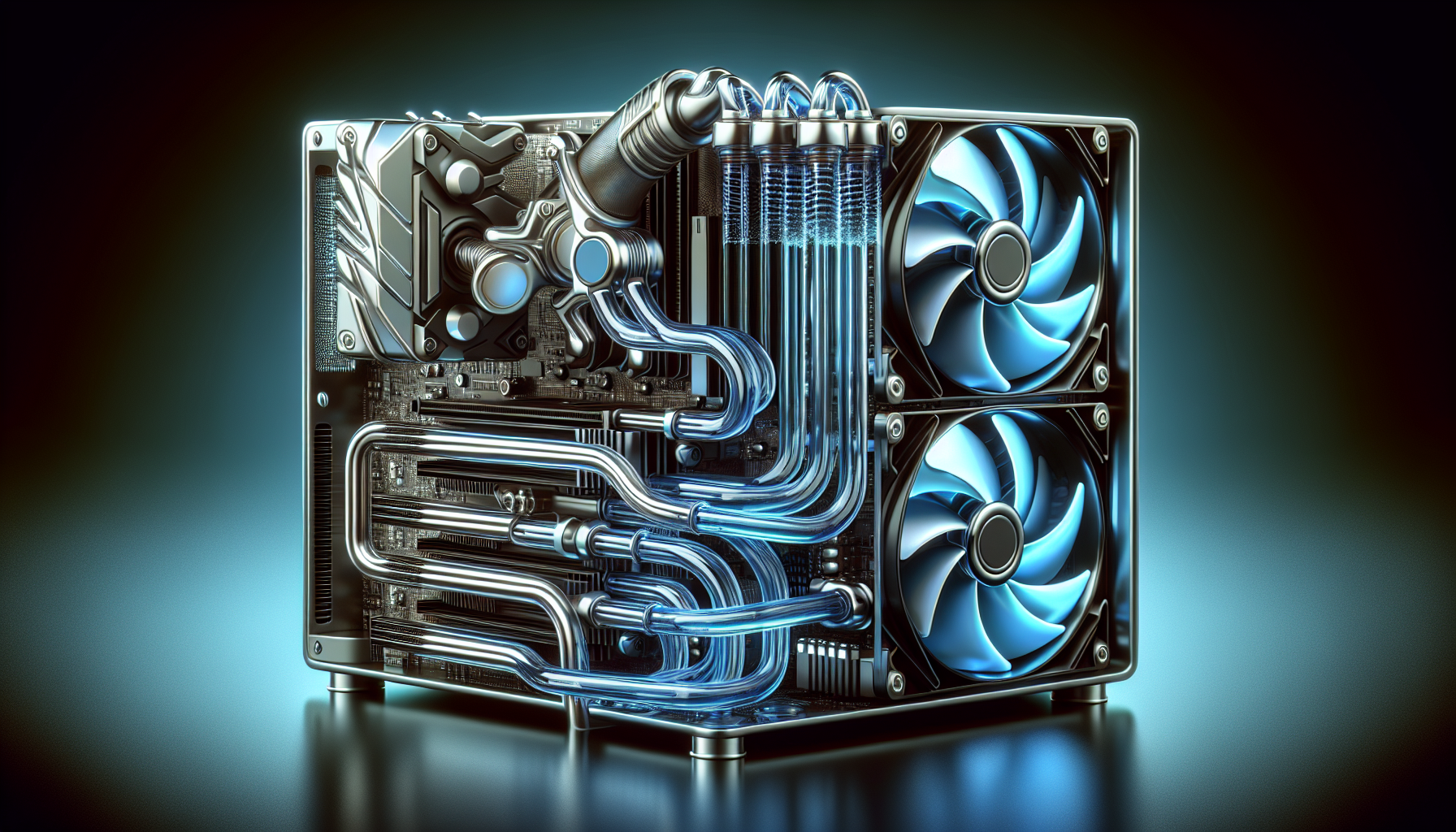
Liquid cooling fans for pc are an advanced cooling solution that uses a liquid coolant to transfer heat away from the PC components. This system includes a pump, radiator, cooling fans, and a network of tubes to circulate the coolant.
| Component | Function |
|---|---|
| Pump | Circulates coolant |
| Radiator | Dispels heat from the coolant |
| Cooling Fans | Aid in heat dissipation from the radiator |
By incorporating liquid cooling fans, gamers can achieve superior cooling performance, particularly beneficial for overclocked systems or PCs that run demanding games. Liquid cooling is known for its efficient heat dissipation and quieter operation compared to air cooling.
The installation of a liquid cooling system is more complex and may require more upkeep than air cooling fans. However, the aesthetic appeal and the high cooling efficiency make it a popular choice among serious PC gamers. When choosing the best pc cooling fans for a liquid cooling setup, gamers should consider high static pressure pc fans that are specifically designed to push air through the dense fins of a radiator effectively.
Selecting between air cooling fans and liquid cooling fans largely depends on the specific demands of the gaming PC and the preferences of the gamer. Both types have their own advantages and can be found in various configurations to suit different needs and budgets. For a more comprehensive look at the top-performing models, gamers can explore the best pc cooling fans and gaming pc cooling fans lists.
Benefits of Liquid Cooling Fans
For PC gamers who push their systems to the limit, maintaining optimal temperatures is crucial. This section examines the advantages of liquid cooling fans for PCs, highlighting how they contribute to gaming efficiency and enjoyment.
Efficient Heat Dissipation
Liquid cooling fans, or liquid coolers, are renowned for their superior heat dissipation capabilities. Unlike traditional air cooling fans, liquid coolers use a coolant circulated through a closed-loop system to transfer heat away from critical components such as the CPU and GPU.
| Cooling Method | Heat Dissipation Efficiency |
|---|---|
| Air Cooling Fans | Moderate |
| Liquid Cooling Fans | High |
The use of liquid cooling fans for PC ensures that heat is not just redirected, as with air coolers, but actively transported to a radiator where it can be expelled from the system. This process is significantly more efficient, allowing for better temperature management and the potential for higher overclocking thresholds. Gamers seeking to boost their system's performance can find some of the best pc cooling fans tailored for demanding gaming sessions.
Noise Reduction
A quieter gaming environment enhances the overall experience, and liquid cooling fans play a pivotal role in achieving this. The design of liquid coolers means they can operate effectively with slower-spinning fans. This results in lower noise levels compared to air coolers that require high-speed fans to move air quickly for adequate cooling.
| Cooling Fan Type | Approximate Noise Level (dBA) |
|---|---|
| High-speed Air Cooling Fans | 30-40 |
| Low-speed Liquid Cooling Fans | 15-25 |
The noise reduction is particularly beneficial during long gaming sessions where fan noise can become intrusive. For gamers focused on creating a silent PC setup, quiet pc cooling fans leveraging liquid cooling technology can be an essential component.
In essence, liquid cooling fans for PC not only enhance the performance of gaming rigs by efficiently managing heat but also contribute to a more immersive and enjoyable gaming environment through noise reduction. Gamers in Australia, who often face warm climates, can significantly benefit from the integration of liquid cooling solutions into their gaming setups. For more information on cooling fan options, including rgb pc cooling fans, 120mm pc cooling fans, and 140mm pc cooling fans, gamers are encouraged to explore the linked resources.
Choosing the Right Cooling Fan
Selecting a cooling fan that suits your gaming PC is not just about aesthetics; it's a critical decision that affects your system's performance and longevity. Here, we'll guide you through the factors to consider when choosing a cooling solution and share some installation tips to ensure your gaming rig runs at optimal temperatures.
Factors to Consider
When it comes to liquid cooling fans for PC, several factors must be taken into account to ensure compatibility and efficiency.
Compatibility with Your PC Case:
Ensure the cooling fan fits your PC case. Standard sizes include 120mm and 140mm fans, but it's vital to check your case specifications.
Cooling Requirements of Your Components:
High-performance components require more robust cooling solutions. Gamers should opt for cooling fans that can dissipate heat quickly to prevent throttling during intense gaming sessions.
Acoustic Performance:
For those who prefer a quieter gaming environment, quiet pc cooling fans with noise-dampening features are available.
Airflow vs. Static Pressure:
Fans designed for high airflow are ideal for cases with less obstruction, whereas high static pressure pc fans are better suited for radiators or environments with more resistance.
Aesthetic Preferences:
Many gamers value the visual appeal of their setup. Fans with LED lighting, such as rgb pc cooling fans, can enhance the look of your gaming PC.
| Factor | Details |
|---|---|
| Size Compatibility | 120mm, 140mm |
| Performance | High heat dissipation for intense gaming |
| Noise Level | Silent operation preferred |
| Airflow Type | High airflow or static pressure based on case design |
| Aesthetics | LED lighting for visual impact |
Installation Tips
Proper installation of your cooling fan is crucial for optimal performance. Here are some tips to help you through the process:
Read the Manual:
Every cooling fan comes with a manual. Familiarize yourself with the installation process and the parts included.Mounting Orientation:
Align the fans correctly to ensure that air flows in the desired direction—usually, air is drawn in at the front and expelled at the back or top of the case.Secure the Fan:
Use the screws provided to securely attach the fan to the case or radiator, ensuring it's snug but not overtightened to avoid damaging the components.Connect the Power:
Attach the fan's power connector to the motherboard or power supply unit. Ensure the cable is neatly routed to prevent obstruction.Testing:
Before closing the case, power on your PC to verify that the fan is operating correctly and that you've achieved the desired airflow.
By considering these aspects and following the installation tips, gamers can ensure their PCs remain cool under pressure, maintaining performance during gaming marathons. Explore our selection of best pc cooling fans and gaming pc cooling fans to find the perfect match for your gaming setup.


