


Dive into 'what are computer systems' and optimize your IT purchases with our comprehensive guide
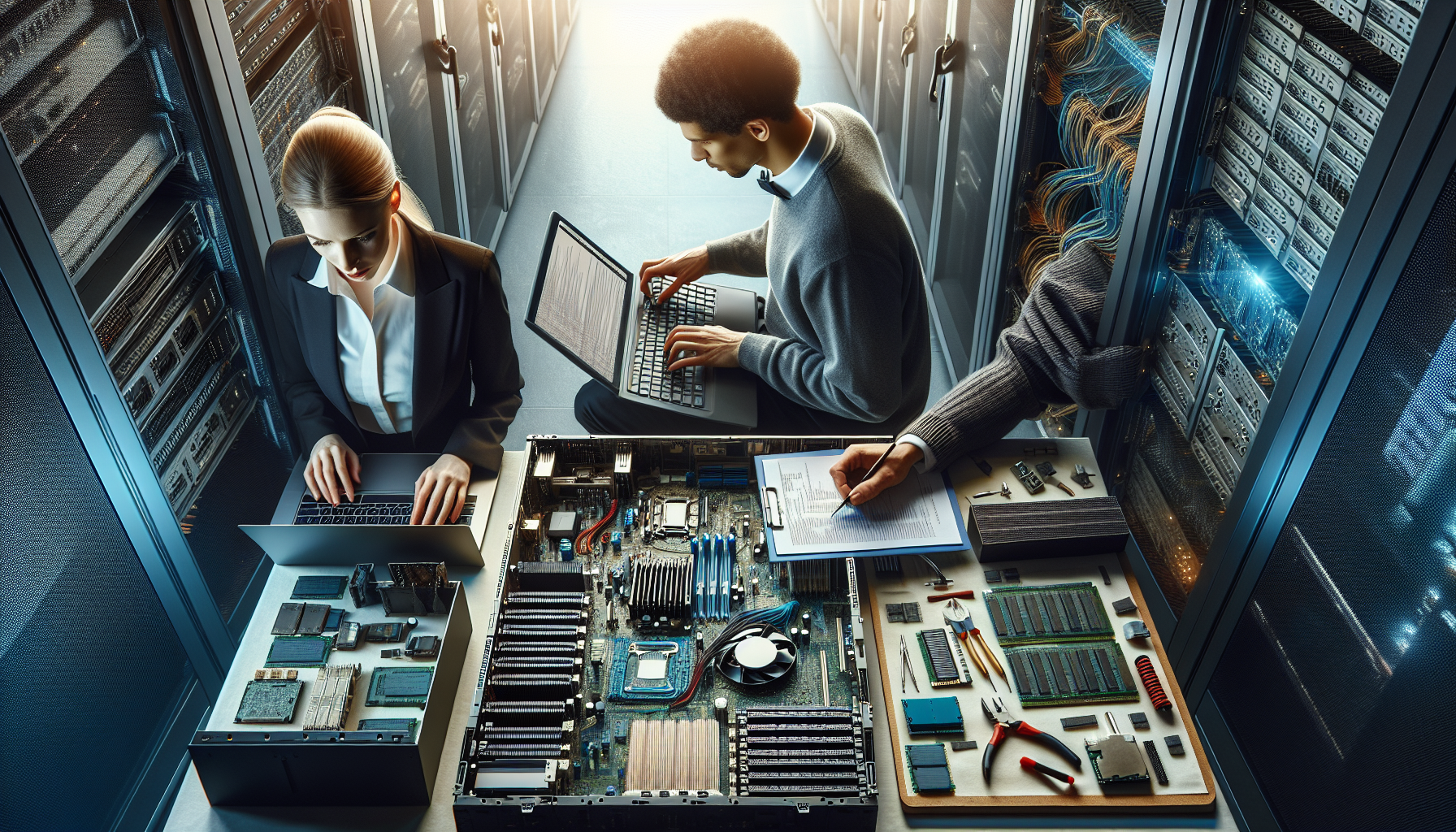
Introduction to Computer Systems
Defining Computer Systems
A computer system encompasses a comprehensive set of components working together to process, manage, and communicate information. It is not merely the hardware that one can visually appreciate but also includes the software that drives the execution of tasks, forming an integrated whole.
At the heart of these systems is the ability to perform calculations and process data, but their functionality extends far beyond these basic operations. They are designed to meet a gamut of needs ranging from simple personal tasks to complex corporate functions. For a detailed understanding of what are computer systems, it is essential to consider both the tangible and intangible elements that constitute them.
The Importance of Computer Systems in Modern Business
In today's digital era, computer systems are the lifeblood of modern businesses. They are pivotal in automating processes, facilitating communication, managing data, and providing insights that drive strategic decision-making. The reliance on these systems spans all sectors and scales of business, underlining their universal importance.
The table below outlines the percentage of businesses by industry that have reported computer systems as being integral to their operations, highlighting the pervasiveness of technology in the corporate landscape.
| Industry | Percentage |
|---|---|
| Information Technology | 98% |
| Finance and Banking | 95% |
| Healthcare | 92% |
| Retail | 88% |
| Manufacturing | 85% |
Businesses rely on a variety of associated computer systems to remain competitive and efficient. IT purchase departments, in particular, must understand not only the current technological landscape, including advanced computer systems but also anticipate future trends to ensure that their organization stays ahead of the curve.
Whether it is through streamlining computer systems servicing or integrating computer systems technology that enhances customer experiences, the strategic implementation of these systems can result in significant competitive advantages. For corporations in Australia, recognising the role of technology is not just an operational necessity but a strategic imperative.
Core Components of Computer Systems
The foundation of every computing device lies in its core components. These elements work together to perform the multitude of tasks asked of modern computer systems, from simple data processing to complex problem-solving.
Central Processing Unit (CPU)
The CPU, often referred to as the "brain" of the computer, is responsible for executing instructions from both software and hardware. It performs the essential arithmetic, logic, control, and input/output operations specified by the instructions.
| Specification | Function |
|---|---|
| Clock Speed | Determines how many instructions per second the CPU can execute |
| Cores | Multiple cores allow for multitasking and enhanced performance |
| Cache | A smaller, faster memory that stores copies of the data from frequently used main memory locations |
Understanding the CPU's capabilities is vital for IT departments when selecting systems that align with business needs.
Memory (RAM)
Random Access Memory (RAM) is the system's short-term memory. It temporarily stores the data that the CPU needs immediate access to. Having a sufficient amount of RAM is crucial for the smooth functioning of applications and services.
| Capacity (GB) | Suitable for |
|---|---|
| 4 | Basic tasks like word processing |
| 8 | General office work and internet browsing |
| 16+ | Intensive applications and multitasking |
More information on the importance of RAM can be found in why do computer systems need primary storage.
Storage Solutions (HDDs, SSDs)
Data storage is a vital component of a computer system. It's where the software, documents, and other files are kept. There are two main types of storage:
- Hard Disk Drives (HDDs) - Offer larger storage capacity at a lower cost but are slower in performance.
- Solid State Drives (SSDs) - Faster and more reliable than HDDs, but with a higher cost per gigabyte.
| Storage Type | Read/Write Speed (MB/s) | Average Lifespan |
|---|---|---|
| HDD | 80-160 | 3-5 years |
| SSD | 200-550 | 5-7 years |
For more insights into storage solutions, consider exploring computer systems hardware.
Motherboard
The motherboard is the cornerstone of the computer, connecting all the components together. It facilitates communication between the CPU, memory, storage, and other peripherals.
| Feature | Description |
|---|---|
| Form Factor | Determines size and layout of the board |
| Socket Type | Must match the CPU type |
| Expansion Slots | Allow additional cards like graphics or sound cards |
An in-depth look at the role of motherboards is available on how do computer systems work.
Power Supply
A power supply unit (PSU) converts electrical power from the outlet into usable power for the internal components of the computer. It's essential to have a reliable PSU with enough wattage to support all components.
| Power (Watts) | Recommended for |
|---|---|
| 300-500 | Basic computing needs |
| 500-750 | Mid-range systems |
| 750+ | High-end systems and gaming |
Purchasing strategies regarding PSUs and other components can be found on leader computer systems.
Each of these core components plays a significant role in the overall functionality and efficiency of a computer system. IT Purchase Departments must consider these elements alongside their associated computer systems technology to ensure they procure systems that meet the demands of their organization.
Types of Computer Systems
Understanding the various types of computer systems is crucial for IT Purchase Departments, especially when aligning purchases with the specific needs and workflows of a corporation. This section delves into the primary categories of computer systems: desktop computers, laptops and notebooks, workstations, and servers.
Desktop Computers
Desktop computers are a staple in many office environments due to their versatility and cost-effectiveness. They typically offer more power and storage capacity for their price compared to portable devices. Desktops can also be easily customized and upgraded, which is beneficial for businesses looking to tailor their computer systems to specific tasks or extend their lifespan.
| Component | Desktop Advantage |
|---|---|
| Customization | High |
| Upgradeability | Easy |
| Cost | Generally lower than laptops for equivalent power |
| Power | Suitable for a range of tasks from basic to intensive |
For more insights into desktop systems, refer to our article on computer systems.
Laptops and Notebooks
Laptops and notebooks are valued for their portability, allowing professionals to work from virtually anywhere. These systems are ideal for businesses with mobile employees or those that require flexibility in their work environment. While they may be less powerful than desktops, modern laptops are increasingly offering comparable performance.
| Feature | Laptop/Notebook Benefit |
|---|---|
| Portability | High |
| Convenience | Suitable for mobile use |
| Space | Minimal physical footprint |
| Power | Growing parity with desktops for many models |
For a more detailed discussion, readers might explore associated computer systems.
Workstations
Workstations are high-performance systems designed for technical or scientific applications. They are engineered to handle complex tasks such as graphic design, video editing, and software development. Workstations often come with advanced graphics capabilities, extensive memory, and more powerful CPUs.
| Usage | Workstation Suitability |
|---|---|
| Graphic Design | Optimal |
| Video Editing | Optimal |
| Software Development | Optimal |
| Complex Calculations | Optimal |
To understand the full potential of workstations, see our content on advanced computer systems.
Servers
Servers are powerful systems designed to manage network resources, store data, and run enterprise applications. They are essential for businesses that require reliable and secure data management, resource sharing, and network management. Servers vary greatly in size, from small office servers to large data center machines.
| Function | Server Importance |
|---|---|
| Data Management | Critical |
| Network Management | Critical |
| Resource Sharing | High |
| Enterprise Applications | High |
IT professionals can read about the various server options in our article on computer systems technology.
Each type of computer system serves a unique purpose and offers specific benefits. IT Purchase Departments must assess their business's operational requirements and select the system that aligns with their objectives, be it for general office use, mobile computing, specialized tasks, or network management. Understanding how do computer systems work and why do computer systems need primary storage can further inform these decisions.
Operating Systems and Software
The software ecosystem of a computer system is as crucial as its hardware. It is the software that turns a complex set of electronic parts into a usable and productive machine. The operating system (OS) and the application software form the backbone of any computer's functionality.
Understanding Operating Systems
An operating system is a foundational software that manages all of the hardware and other software on a computer. It acts as an intermediary between the user and the computer hardware. Common operating systems include variants of Windows, macOS, and Linux, each offering different interfaces and capabilities.
Operating systems perform several critical functions:
- Resource Management: They efficiently manage the computer's resources, such as the CPU, memory, disk space, and input/output devices.
- File Management: Operating systems handle the storage, retrieval, and manipulation of data stored on the computer's drives.
- Security: They provide essential security features to safeguard the system against unauthorized access or data breaches.
- User Interface: Operating systems offer a user interface, which can be graphical (GUI) or command-line (CLI), enabling users to interact with the system.
For more insight into how operating systems contribute to the efficiency of computer systems, one may delve into the intricacies of how do computer systems work.
Application Software and Utilities
Application software is designed to carry out specific tasks for users. These can range from productivity suites, such as word processors and spreadsheets, to more specialized software like graphic design tools or customer relationship management (CRM) systems.
Utilities are types of application software that help manage, maintain, and control computer resources. Examples include antivirus software, backup tools, and disk management tools. These utilities often run in the background, providing services that enhance or maintain system performance.
Here is a simple table illustrating different types of application software and their general uses:
| Application Type | General Use |
|---|---|
| Productivity Software | Document creation, spreadsheets, presentations |
| Creative Software | Image, video, and audio editing |
| Communication Tools | Email clients, instant messaging, video conferencing |
| Database Management | Organizing and managing data |
| Educational Software | Learning aids, tutorials, and interactive learning |
It's critical for IT departments to understand the array of computer systems technology available and how it aligns with their business's objectives. Factors such as compatibility with existing systems, scalability for future growth, and support from the software developer are essential considerations.
Moreover, IT departments should keep abreast of updates and developments in application software and utilities to ensure optimal system performance and security. Regular computer systems servicing and updates can prevent system inefficiencies and vulnerabilities.
In conclusion, operating systems and application software are integral components of computer systems. They enable users to perform a wide range of functions, from basic tasks to complex operations, making them indispensable in the corporate landscape.
Networking and Connectivity
Basics of Computer Networking
Computer networking is the practice of interconnecting multiple computing devices to share resources, exchange data, and communicate with each other. Fundamental elements of a computer network include routers, switches, hubs, and the cabling infrastructure. Networking protocols, such as TCP/IP, facilitate data transmission across diverse devices and networks.
Networks can be classified by their geographic scope and configuration:
- Local Area Networks (LANs) are confined to a small area, typically within a single building.
- Wide Area Networks (WANs) cover larger geographic areas, connecting devices across cities or even countries.
- Metropolitan Area Networks (MANs) span a city or a large campus.
Within these networks, various topologies can be used to structure the connections, such as star, ring, or mesh topologies. The choice of topology affects the network's performance and reliability.
For further insight into how networking forms the backbone of modern computing, readers can explore articles on advanced computer systems and computer systems technology.
Importance of Connectivity in Business
In the realm of business, connectivity is indispensable for several reasons:
Communication: Networking enables seamless communication within an organisation and with external stakeholders. Email, VoIP, and video conferencing depend on robust networking infrastructure.
Data Sharing: Networks allow employees to access and share data effortlessly, which is crucial for collaboration and maintaining productivity.
Resource Accessibility: Centralised resources, such as databases and printers, can be shared across the network, reducing costs and streamlining operations.
Remote Access: With secure networking, businesses can offer their employees the flexibility to work remotely, accessing the network from anywhere in the world.
Business Applications: Many business applications, such as Customer Relationship Management (CRM) and Enterprise Resource Planning (ERP) systems, require a network to function effectively.
For IT purchasing departments, understanding the role of network connectivity can guide decisions on the necessary hardware and software components. Strategic investment in networking can yield significant returns in efficiency and competitive advantage. Aspects such as network scalability, security, and the potential for integration with associated computer systems are critical factors to consider.
| Factor | Impact on Business |
|---|---|
| Communication | Enhances collaboration and information exchange |
| Data Sharing | Improves efficiency and data management |
| Resource Accessibility | Reduces costs and streamlines operations |
| Remote Access | Provides flexibility and extends the workspace |
| Business Applications | Powers core business processes |
Networking is not just a technical requirement but a strategic asset that can propel a business forward. It is essential for IT departments to align their networking strategies with the broader business objectives. For guidance on maintaining and servicing these crucial systems, refer to computer systems servicing.
Maintenance and Upgrades
Consistent maintenance and timely upgrades are pivotal to ensuring that computer systems remain efficient and productive. This section provides an overview of the regular system maintenance required and how upgrading components can lead to better performance.
Regular System Maintenance
Regular system maintenance is essential for the longevity and reliability of computer systems. It includes tasks such as software updates, hardware checks, and cleaning both internal and external components.
- Software Updates and Patches: Keeping software up to date is crucial to protect against security vulnerabilities and to ensure optimal performance. This includes the operating system, application software, and any utilities.
- Hardware Inspections: Regular hardware checks help identify and prevent potential failures. This may involve inspecting the motherboard, checking cable connections, and monitoring the condition of the storage devices and memory modules.
- Cleaning: Dust and debris can accumulate within a computer system, leading to overheating and reduced efficiency. Regular cleaning of the fans, heat sinks, and general case internals is recommended.
For further guidance on maintaining different types of systems, readers can visit computer systems servicing.
Upgrading Components for Better Performance
Upgrading specific components within a computer system can yield significant improvements in performance. It is important for IT departments to analyze which upgrades will provide the most cost-effective performance boosts.
| Component | Potential Upgrade | Performance Benefit |
|---|---|---|
| CPU | Higher clock speed/more cores | Faster processing, improved multitasking |
| RAM | Increased capacity | Better multitasking, faster data access |
| Storage | Switch from HDD to SSD | Quicker boot times, faster file access |
| GPU | Higher-end model | Enhanced graphics processing, better for design tasks |
Before proceeding with upgrades, IT departments should consider the compatibility of new components with existing systems. Additionally, there may be a need to balance performance improvements with budget constraints. For more information on assessing these factors, see cost-efficiency and budgeting.
By undertaking regular maintenance and strategic upgrades, IT departments can ensure that their computer systems meet the evolving demands of the business. This ongoing process of evaluation and improvement is key to maintaining a robust and efficient IT infrastructure. For further insights into high-performance systems, readers can explore advanced computer systems.
Security Considerations
In the realm of IT, security is paramount. Ensuring the protection of computer systems against various threats is a significant concern for IT purchase departments. This section delves into the security aspects that need to be addressed, including both hardware and software measures.
Hardware Security Features
Hardware security features play a critical role in safeguarding computer systems from physical tampering and electronic breaches. These features can include:
- Trusted Platform Module (TPM): A dedicated microcontroller designed to secure hardware by integrating cryptographic keys.
- Hardware authentication: The use of biometric scanners for fingerprints or retina scans ensures that only authorised users can access the system.
- Secure boot: A process that prevents malicious software from loading when a computer is turned on.
- Physical locks: Cable locks and chassis locks deter theft and unauthorised access to the internal components.
Here is a brief overview of common hardware security features:
| Security Feature | Purpose |
|---|---|
| TPM | Protect cryptographic keys |
| Biometric Scanners | Authenticate user identity |
| Secure Boot | Block malicious software at startup |
| Physical Locks | Prevent theft and tampering |
It is crucial for IT departments to consider these hardware security features when procuring computer systems for their organisations, as they can significantly reduce the risk of security breaches.
Software Security Measures
Software security measures are equally important to defend against malware, viruses, and cyber-attacks. These measures include:
- Firewalls: Monitor incoming and outgoing network traffic and block potential threats.
- Antivirus software: Detect and remove malicious software.
- Encryption tools: Protect sensitive data by converting it into unreadable code for unauthorised users.
- Regular software updates: Patch security vulnerabilities and improve system stability.
For a detailed explanation of how these software measures protect computer systems, one may refer to articles on advanced computer systems and computer systems technology.
When managing computer systems servicing, IT departments should implement these software security measures to ensure a robust defence against digital threats. Regular updates and maintenance are essential to keep security measures effective, as outlined in the computer systems lab insights.
Understanding the importance of security in both hardware and software domains is critical for IT purchase departments. By integrating these security considerations into their purchasing strategies, corporations can safeguard their assets and maintain the integrity of their computer systems.
Purchasing Strategies for IT Departments
The acquisition of computer systems is a strategic process that requires careful consideration and planning. IT departments must balance the technical requirements of their organisations with financial constraints to ensure the smooth operation of business functions.
Assessing Business Needs
Before procuring new computer systems, IT departments must conduct a thorough needs assessment. This involves understanding the specific tasks each department performs and the technical specifications required to execute those tasks efficiently. It is crucial to consider the scalability of the computer systems to accommodate business growth and potential technological advancements.
| Department | Task | System Requirement |
|---|---|---|
| Graphic Design | High-resolution video editing | High-performance GPU, large storage capacity |
| Accounting | Financial reporting | Reliable data processing, secure storage solutions |
| Sales | Customer relationship management | Mobility, long battery life |
By evaluating the daily operations and long-term goals of the corporation, IT professionals can identify the types of computer systems that align with business objectives. This might include desktops for stationary office work, laptops for mobile employees, or workstations for resource-intensive tasks.
Cost-Efficiency and Budgeting
Budgeting for computer systems is a balancing act between cost-efficiency and performance. A comprehensive budget must account for the initial purchase price, ongoing maintenance costs, potential upgrades, and the total cost of ownership over the system's lifespan. IT departments should aim for the most cost-effective solution that does not compromise on the necessary features and reliability.
| Item | Initial Cost (AUD) | Maintenance Cost (AUD/year) | Upgrade Cost (AUD) |
|---|---|---|---|
| Desktop Computer | \$1,200 | \$100 | \$300 |
| Laptop | \$1,500 | \$150 | \$400 |
| Server | \$5,000 | \$500 | \$1,000 |
IT departments must also consider the value of investing in computer systems technology that may yield long-term savings. For instance, energy-efficient systems can reduce electricity costs, while systems with upgradable components can extend their usable life, delaying the need for full replacements.
In addition to the cost, IT purchase departments should also factor in supplier reliability, warranty options, and after-sales support services such as computer system repair near me and computer systems servicing.
By meticulously analysing both business requirements and financial constraints, IT departments can devise a purchasing strategy that ensures the organisation is equipped with the appropriate computer systems to support its operations while remaining within budget.


