


Desktop Dilemmas: Identifying and Resolving Common Computer Issues for Businesses
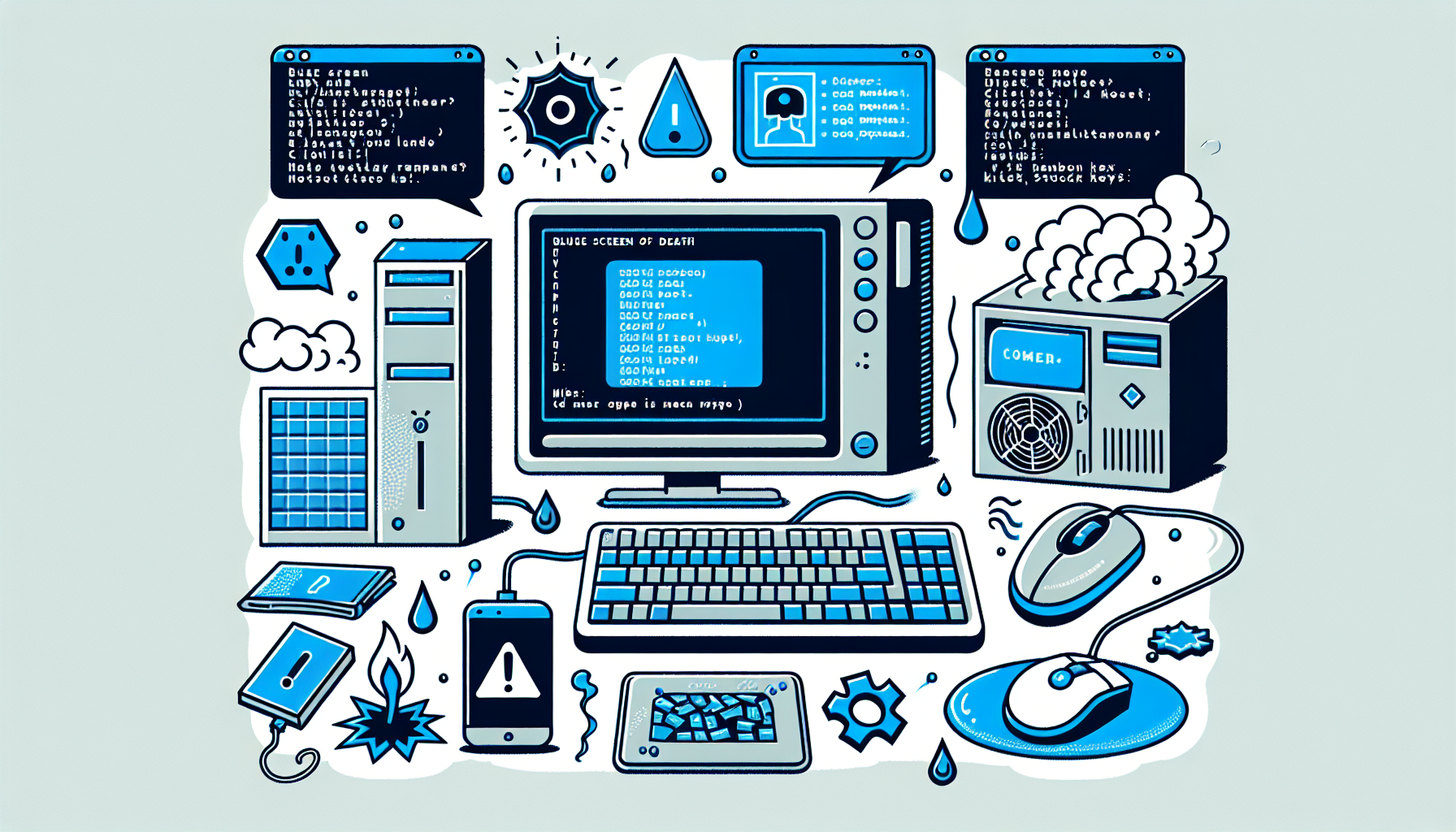
Identifying Computer Faults
Identifying desktop computer problems is essential for maintaining efficient business operations. Recognising common issues and applying appropriate troubleshooting steps can save time and resources.
Common Desktop Issues
There are several prevalent desktop issues that IT managers and business owners may encounter. Some of these include:
| Issue | Description |
|---|---|
| Slow Performance | The computer takes longer than usual to complete tasks. |
| Frequent Crashes | Programs or the entire system unexpectedly close or reboot. |
| Network Connectivity Problems | Difficulty connecting to the internet or local network. |
| Hardware Malfunctions | Issues with components such as the hard drive, RAM, or graphics card. |
| Software Errors | Messages indicating that a program has encountered a problem. |
For further details on these issues, refer to our article on common computer faults.
Troubleshooting Steps
When faced with a desktop issue, following systematic troubleshooting steps is crucial. Here are some basic actions that can help identify and resolve problems:
- Check Connections: Ensure all cables and connections are secure and functioning.
- Run Diagnostic Tools: Utilize built-in diagnostic tools to check for system errors. This includes running a full Windows diagnostic or using a PC diagnostic tool.
- Examine Error Messages: Take note of any error messages that appear, as they can provide clues to the underlying issue.
- Inspect Hardware: Check for signs of physical damage or wear in hardware components. Use resources like check faulty hardware for guidance.
- Update Software: Ensure that all software and drivers are up to date to prevent compatibility issues.
- Consult Logs: Review system logs for any recorded errors that may indicate the cause of the malfunction.
For more comprehensive troubleshooting techniques, consider reading about ways to troubleshoot computer or basic computer troubleshooting steps.
By systematically identifying and addressing desktop issues, businesses can enhance their operational efficiency and reduce downtime.
Business IT Support
In the modern business environment, effective IT support is critical for maintaining productivity and ensuring seamless operations. This section highlights the significance of tech support and offers guidance on selecting reliable IT services.
Importance of Tech Support
The importance of tech support in business cannot be overstated. It plays a crucial role in maintaining daily operations and addressing any technical issues that may arise. Business IT support ensures a smooth workflow by providing timely assistance, which helps in minimising downtime and improving overall efficiency.
| Benefits of Tech Support | Description |
|---|---|
| Quick Issue Resolution | Immediate assistance for troubleshooting problems, allowing employees to focus on their work. |
| Enhanced Productivity | Minimised disruptions lead to a more productive work environment. |
| Expertise Availability | Access to knowledgeable professionals who can resolve complex technical issues. |
Effective tech support can also mitigate risks associated with computer faults, such as data loss or system failures. Understanding the common causes of computer malfunction can help businesses prepare and respond effectively.
Choosing Reliable Services
Selecting reliable IT services is key to business success. The right IT support provider can significantly impact a company's ability to operate efficiently and respond to tech-related challenges. When evaluating potential providers, consider the following factors:
| Criteria for Choosing IT Support | Importance |
|---|---|
| Reputation | Look for providers with positive reviews and a solid track record in the industry. |
| Range of Services | Ensure the provider offers comprehensive support, including hardware and software assistance. |
| Response Time | Quick response rates are essential for addressing urgent tech issues. |
Choosing the right IT support provider is essential for business growth. It is advisable to assess their service level agreements (SLAs) and ensure they align with your business needs. Reliable IT services form the backbone of a successful business and are crucial for identifying desktop computer problems effectively.
By prioritising tech support, businesses can enhance their operational efficiency and reduce the risk of encountering significant issues in their IT infrastructure.
Preventative Maintenance
Maintaining a proactive approach to IT can significantly reduce the incidence of computer faults within a business. Regular system check-ups and timely software updates are essential components of effective preventative maintenance.
Regular System Check-ups
Regular system check-ups are vital for identifying desktop computer problems before they escalate into significant issues. Conducting these routine evaluations allows IT managers and business owners to assess hardware performance, check for faults, and ensure that all components are functioning optimally.
A comprehensive check-up should include:
| Check-Up Component | Frequency | Purpose |
|---|---|---|
| Hardware Inspection | Quarterly | Check for signs of wear and tear, and ensure all components are in good condition. |
| Performance Assessment | Monthly | Evaluate system speed and responsiveness to detect potential slowdowns. |
| Malware Scans | Weekly | Identify and remove any malicious software that could compromise system integrity. |
The importance of these check-ups cannot be overstated. They not only help in diagnosing existing issues but also play a crucial role in preventing future malfunctions. For more details on how to diagnose computer faults, refer to our dedicated guide.
Software Updates
Keeping software up to date is another critical aspect of preventative maintenance. Software updates often include security patches, performance improvements, and new features that can enhance productivity.
| Update Type | Frequency | Importance |
|---|---|---|
| Operating System Updates | Monthly | Ensure the system is protected against the latest security vulnerabilities. |
| Application Updates | As needed | Keep software applications running smoothly and efficiently. |
| Driver Updates | Quarterly | Improve hardware performance and compatibility with new software. |
By implementing a regular schedule for software updates, businesses can effectively mitigate risks associated with outdated programs, including security breaches and software conflicts. More information on how to identify computer problems can assist in understanding the implications of neglecting these updates.
Incorporating these preventative maintenance strategies can lead to a more reliable computing environment, ultimately supporting business productivity and efficiency.
Proactive IT Strategies
In today's digital landscape, IT managers and business owners must be proactive in their approach to technology management. This involves implementing robust security measures and ensuring reliable data backups to mitigate potential risks.
Implementing Security Measures
Security is paramount in protecting sensitive business information. IT managers should consider several strategies to strengthen their defence against cyber threats. Here are some essential security measures:
| Security Measure | Description |
|---|---|
| Firewalls | Establishing firewalls to block unauthorized access to networks. |
| Antivirus Software | Regularly updating antivirus software to detect and eliminate malware threats. |
| User Training | Providing training for employees to recognise phishing attempts and other security risks. |
| Regular Security Audits | Conducting periodic audits to identify vulnerabilities and assess security protocols. |
By incorporating these measures, businesses can significantly reduce the risk of data breaches and other cyber incidents. For further insights on how to identify desktop computer problems, it is helpful to understand common security threats and preventative strategies.
Data Backups
Data loss can have devastating effects on a business, making regular backups essential. IT managers should establish a systematic approach to data backups to ensure that important information is not lost. Here are key practices for effective data backup:
| Backup Method | Description |
|---|---|
| Cloud Backups | Utilizing cloud storage solutions for off-site data backups, ensuring accessibility and security. |
| Local Backups | Maintaining physical backups on external hard drives or servers for immediate recovery options. |
| Automated Backup Solutions | Implementing automated backup systems to ensure regular and consistent data protection. |
| Backup Testing | Regularly testing backup systems to confirm data can be restored successfully when needed. |
Establishing a reliable backup strategy is crucial for business continuity. For additional guidance on managing computer issues, consider reviewing our resources on how to fix computer faults and check for PC errors. By staying proactive, IT managers can enhance their organisational resilience against potential disruptions.


