


Crush Loading Times: Discover the Best M.2 SSD for Gamers
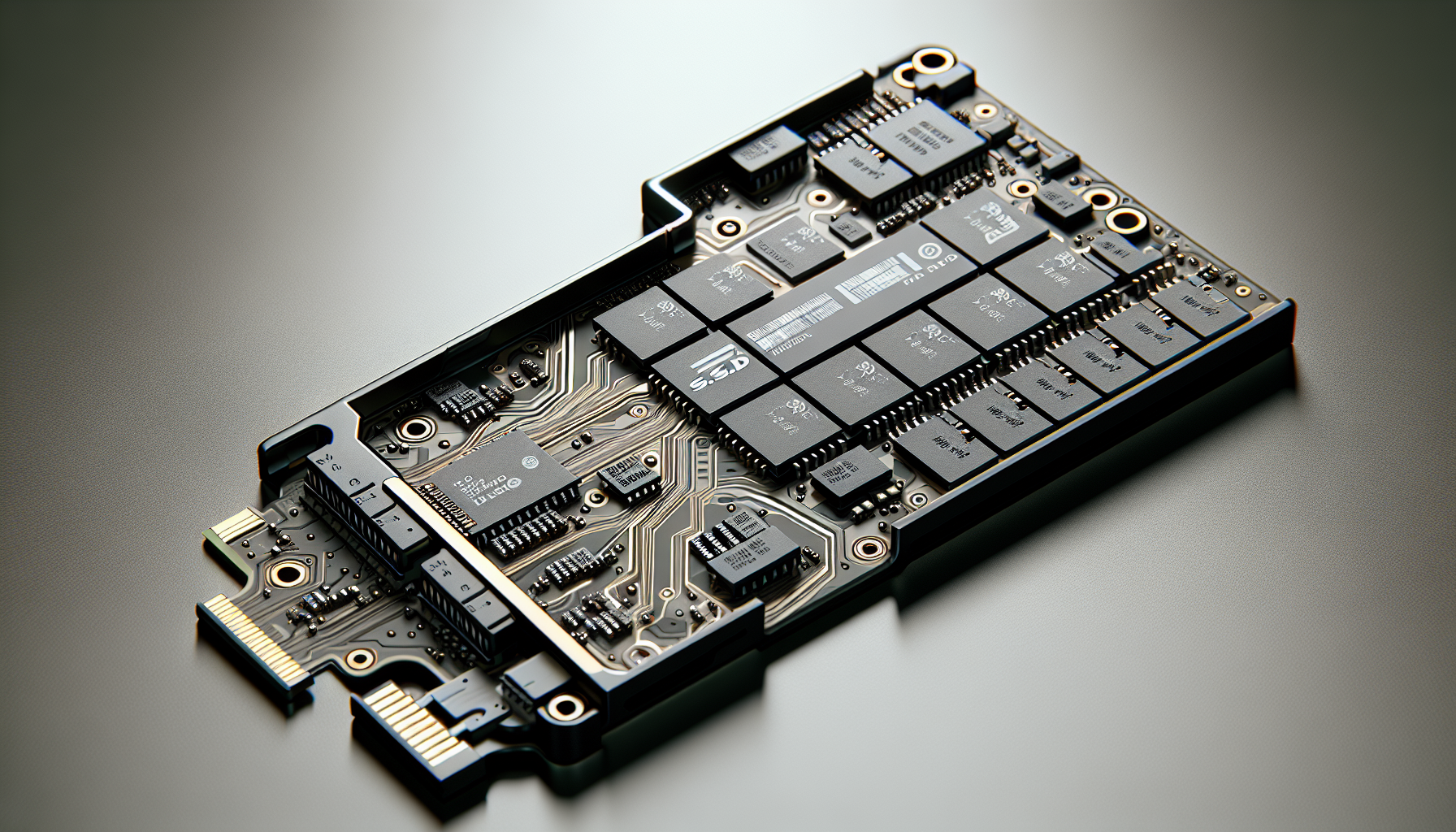
Understanding NVMe Technology
In the realm of modern gaming, understanding the differences between storage technologies is crucial for boosting performance. One of the most significant advancements in the storage domain is NVMe technology.
NVMe vs. SSD
NVMe, which stands for Non-Volatile Memory Express, is a storage protocol that provides a significant upgrade over traditional SSDs that typically rely on SATA connections. NVMe drives leverage PCIe technology, allowing them to deliver faster data transfer rates and lower latency compared to standard SSDs. This makes NVMe drives particularly beneficial for gamers seeking the best M.2 SSD.
| Feature | NVMe SSDs | SATA SSDs |
|---|---|---|
| Data Transfer Rate | Up to 7000 MB/s | Up to 600 MB/s |
| Latency | Low (milliseconds) | Higher (milliseconds) |
| Connection | PCIe | SATA |
The table above highlights the primary differences between NVMe and SATA SSDs, emphasizing the superiority of NVMe technology in terms of speed and efficiency.
Benefits of NVMe
The benefits of NVMe are particularly relevant for gamers and professionals who require consistent and rapid data access. Here are some key advantages:
- Higher Performance: NVMe drives generally allow for exceptionally fast data transfer rates due to their ability to communicate more directly with the CPU (RedSwitches).
- Lower Latency: With lower latency, NVMe drives can access data more quickly than their SATA counterparts, resulting in a smoother gaming experience and faster load times.
- Enhanced Multitasking: NVMe's architecture is designed for high I/O operations, making it ideal for gaming, video editing, and other applications that require multiple data streams.
Gamers looking to upgrade their systems should consider the performance boost provided by NVMe technology. Understanding these aspects can help in making an informed choice when selecting an M.2 SSD for their gaming setup. For more guidance on installation and troubleshooting, consult our articles on how to install M.2 SSD and why is my M.2 SSD not showing up in BIOS.
Choosing the Best M.2 SSD
Selecting the right M.2 SSD can significantly enhance the gaming experience. Here are four of the best options available for gamers today.
WD Black SN850X
The WD Black SN850X is widely regarded as the best M.2 SSD for gaming in 2024. This drive combines outstanding performance with affordability, making it a great choice for serious gamers. The SN850X boasts impressive specifications:
| Feature | Specification |
|---|---|
| Read Speed | 6,300 MB/s |
| Write Speed | 7,300 MB/s |
| Temperature Under Load | Below 58°C |
| Heatsink | Yes (armor-style) |
The drive operates efficiently, utilizing the WD signature heatsink to keep temperatures in check during intense gaming sessions. Gamers looking for high-speed performance will find this SSD to be a standout. For more information, visit best m.2 ssd for gaming.
Lexar NM790
If on a budget, the Lexar NM790 is an ideal choice for gamers seeking a reliable NVMe SSD without breaking the bank. It offers very competitive speeds:
| Feature | Specification |
|---|---|
| Read Speed | 7,400 MB/s |
| Write Speed | 6,500 MB/s |
This SSD employs a lesser-known controller but delivers impressive performance that meets gaming needs while remaining efficient. For gamers in search of an affordable yet high-performing SSD, the NM790 is an excellent contender.
Nextorage NEM-PA
The Nextorage NEM-PA NVMe SSD offers users high capacity storage combined with solid performance. Its specifications are noteworthy:
| Feature | Specification |
|---|---|
| Read Speed | 7,300 MB/s |
| Write Speed | 6,900 MB/s |
Particularly, the 2TB version of this SSD provides exceptional value for the storage capacity it offers. Gamers who require more space for large game files will find the NEM-PA a worthy investment.
Silicon Power XS70
For gamers looking to upgrade their PlayStation 5, the Silicon Power XS70 2TB SSD is specifically designed for optimal compatibility and performance. Features include:
| Feature | Specification |
|---|---|
| Read Speed | 7,100 MB/s |
| Write Speed | 6,600 MB/s |
This SSD not only fits seamlessly within the PS5 console, but it also boasts excellent thermals thanks to its integrated heatsink, ensuring consistent performance during gameplay. For those looking to maximise their gaming console's potential, the XS70 is one of the best options available.
These SSDs represent some of the top-performing and reliable choices currently on the market. Depending on budget and performance needs, gamers can select the M.2 SSD that best aligns with their gaming setup. For further guidance, check our articles on how to install m.2 ssd and what is m.2 ssd.
Recent Concerns with Samsung SSDs
In recent months, several issues have surfaced regarding Samsung SSDs, particularly the 980 Pro and 990 Pro models. Gamers seeking the best M.2 SSD should be aware of these developments before making a purchase.
Samsung 980 Pro Firmware Update
Puget Systems has reported abnormally high failure rates with the Samsung 980 Pro 2TB M.2 NVMe drive. In response to these failures, Samsung provided a firmware update within the last year to address the reliability issues Puget Systems. It is essential for owners of this model to install the latest firmware to mitigate potential risks.
Issues with Samsung 990 Pro
The Samsung 990 Pro M.2 SSDs, while initially well-received, have exhibited rapid health degradation. Reports indicate that these SSDs experience a decline of approximately 1% endurance per week, raising concerns about their overall lifespan and durability Puget Systems. Gamers considering the 990 Pro should take these issues into account when evaluating their options.
Puget Systems' Transition to Sabrent
Due to the challenges faced with Samsung SSDs, Puget Systems has made the decision to transition their 1TB and 2TB NVMe drives to Sabrent instead of continuing reliance on Samsung. However, they will maintain the 500GB model from the Samsung 980 Pro line, which has not shown the same reliability issues Puget Systems. Additionally, since Samsung currently does not offer high-performance SSDs in larger 4TB and 8TB capacities, Puget Systems has opted for Sabrent for those sizes, citing positive experiences with their products.
It is important for users of Samsung drives, especially those within gaming setups, to remain informed about their SSDs' performance and health. Puget Systems assures customers that they will support any issues related to their systems, offering assistance for firmware installation and addressing any concerns about the reliability of Samsung SSDs Puget Systems.
Ensuring SSD Reliability
When investing in an M.2 SSD, reliability is a critical factor, especially for gamers who rely on consistent performance during gameplay. Two key players in this area are Samsung's drive support and the customer assurances provided by Puget Systems.
Samsung Drive Support
Samsung offers support for users experiencing issues with their SSDs, particularly after concerns arose regarding the Samsung 980 Pro and Samsung 990 Pro M.2 SSDs. Reports indicated that the Samsung 990 Pro SSDs exhibited significant health degradation, dropping around 1% in endurance per week, raising concerns over their lifespan and durability (Puget Systems).
Furthermore, Samsung has initiated firmware updates to address problems faced with the 980 Pro series, particularly the 2TB model, which experienced abnormally high failure rates. The support team is committed to assisting customers with firmware installations and troubleshooting, ensuring gamers can maintain optimal performance from their drives (Puget Systems).
Puget Systems' Customer Assurance
Puget Systems prioritises customer assurance and has taken proactive measures in response to consumers' experiences with Samsung SSDs. After identifying issues with the Samsung 990 Pro series, Puget Systems decided to transition their 1TB and 2TB NVMe drives to Sabrent SSDs, which have provided positive performance outcomes. They have opted to retain the 500GB Samsung 980 Pro model, which remains unaffected by the new issues (Puget Systems).
This transition reflects Puget Systems' commitment to offering reliable gaming solutions. They reassure customers that they will stand behind their workstations and assist with any potential issues, bolstering confidence for gamers seeking reliable storage solutions for their gaming setups.
For those considering upgrades, further guidance on installation can be found in our article on how to install M.2 SSD or troubleshooting advice on why is my M.2 SSD not showing up in BIOS.


