


Clean Sweep: The Best Ways to Clean Your Company's PCs
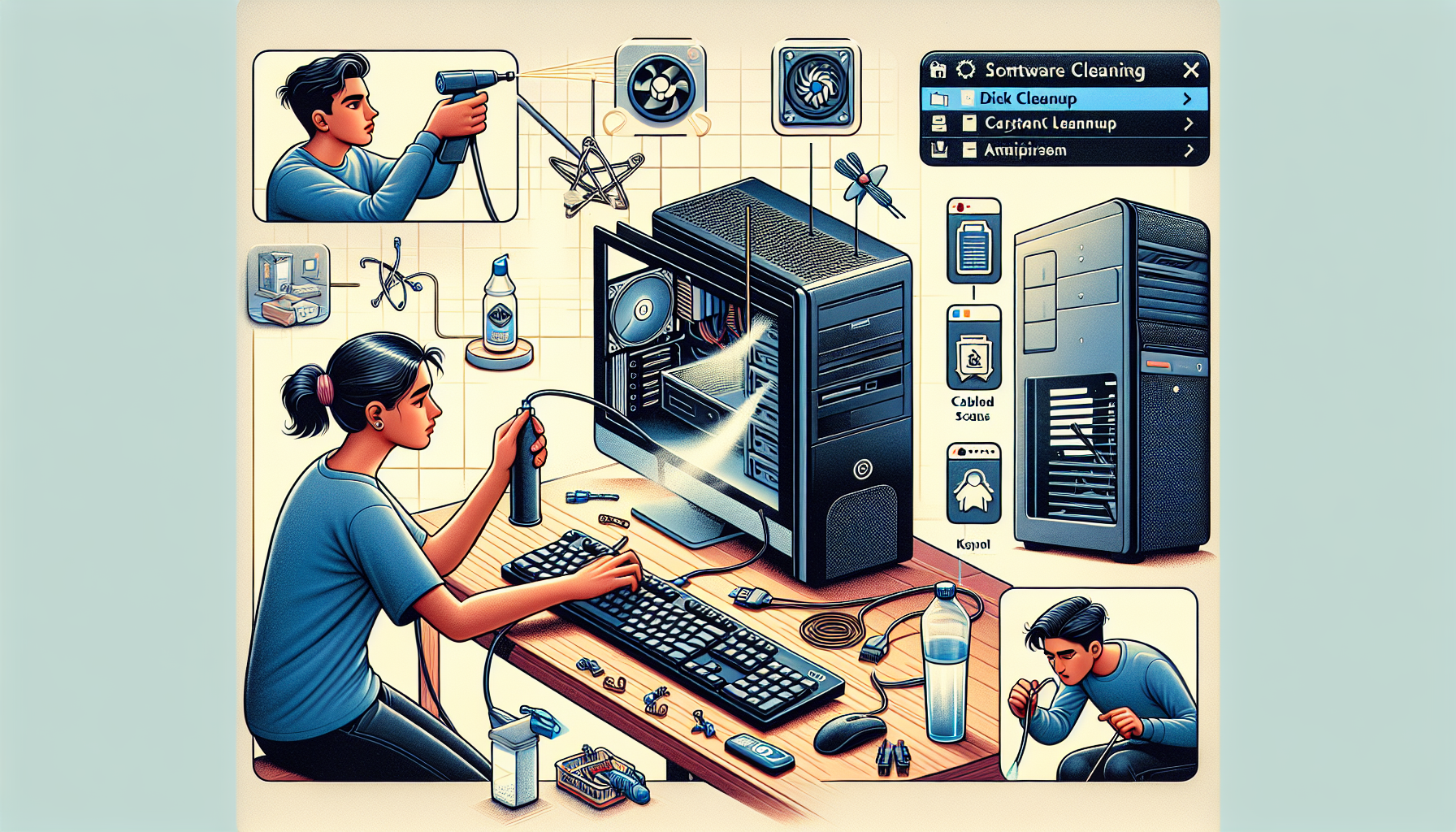
Importance of PC Cleaning
Maintaining clean PCs is crucial for any business. Regular cleaning not only ensures optimal performance but also extends the lifespan of the equipment. Below are the key reasons why clean PCs are essential for business operations, along with the benefits of regular maintenance.
Why Clean PCs are Essential for Business Operations
Clean PCs contribute significantly to the overall efficiency of business operations. Dust and debris can accumulate over time, leading to several performance-related issues. Here are some critical points to consider:
| Issue | Impact on Business Operations |
|---|---|
| Overheating | Can cause hardware malfunctions and system failures |
| Slow Performance | Increases downtime, affecting productivity |
| Reduced Lifespan | Leads to more frequent replacements, increasing costs |
| Security Risks | Dust can obstruct airflow, leading to potential overheating and hardware damage |
Businesses that prioritise PC cleaning can experience enhanced performance and reliability. Regular maintenance helps in keeping systems running smoothly, reducing the likelihood of unexpected failures.
Benefits of Regular PC Maintenance
Implementing a routine cleaning schedule offers numerous advantages. Here are some of the key benefits of regular PC maintenance:
| Benefit | Description |
|---|---|
| Improved Performance | A clean computer runs faster. For more on this, see our article on clean computer for faster performance. |
| Enhanced Reliability | Reduces the risk of crashes and data loss. More details can be found in fix slow freezing computer. |
| Lower Repair Costs | Preventive maintenance can save money by avoiding costly repairs and replacements. Learn more about the identify computer slowdown causes. |
| Healthier Work Environment | Clean PCs contribute to a healthier workspace by reducing allergens and dust. For cleaning tips, refer to pc cleaning performance impact. |
Regular cleaning and maintenance are important best practices for ensuring that PCs function effectively and efficiently in a business environment. By establishing a routine and adhering to it, business owners and IT managers can enhance their overall IT support strategy.
General PC Cleaning Practices
Maintaining clean PCs is paramount for ensuring optimal performance and longevity. This section discusses essential external and internal cleaning practices that contribute to the overall cleanliness and functionality of business computers.
External Cleaning: Keyboards, Monitors, and Peripherals
External components such as keyboards, monitors, and peripherals often accumulate dust, dirt, and germs. Regular cleaning of these items is vital for maintaining a hygienic workspace and ensuring user comfort.
| Component | Cleaning Methods | Frequency |
|---|---|---|
| Keyboards | Use compressed air to remove debris. Wipe with a damp cloth and mild disinfectant. | Weekly |
| Monitors | Use a microfiber cloth with a screen-safe cleaner. Avoid harsh chemicals. | Bi-weekly |
| Mice | Wipe down with a disinfectant cloth. Clean the sensor area with a cotton swab. | Weekly |
For more information on effective cleaning methods, refer to our article on clean computer for faster performance.
Internal Cleaning: Dusting and Ventilation
Internal cleaning focuses on the components within the PC that can be affected by dust buildup. Dust can obstruct ventilation and cause overheating, leading to performance issues.
| Component | Cleaning Methods | Frequency |
|---|---|---|
| Fans | Use compressed air to blow out dust. Ensure the PC is powered off and unplugged. | Every 6 months |
| Heat Sinks | Gently dust using a soft brush or compressed air. | Every 6 months |
| Internal Components | Carefully open the case and use compressed air to clean out dust. | Annually |
Neglecting internal cleaning can lead to overheating and reduced performance. For tips on the impact of dust on performance, check our article on pc dust cleaning benefits.
Implementing these general cleaning practices helps maintain the functionality and longevity of company PCs. Regular attention to both external and internal components ensures a clean and efficient working environment.
Advanced Cleaning Techniques
Maintaining the cleanliness of a company's PCs is crucial for optimal performance. Advanced cleaning techniques focus on internal components and data management to enhance longevity and efficiency.
Cleaning Inside the PC: Components and Fans
Dust accumulation inside a computer can significantly impact its performance. Regular internal cleaning not only improves airflow but also reduces overheating, which can lead to hardware failure. The following table summarizes the key components that require attention during internal cleaning:
| Component | Cleaning Frequency | Cleaning Method |
|---|---|---|
| CPU Fan | Every 3-6 months | Use compressed air to blow dust away. |
| Power Supply | Every 6-12 months | Carefully vacuum or use compressed air. |
| Graphics Card | Every 6 months | Use a soft brush or compressed air. |
| Motherboard | Every 6-12 months | Gently wipe with a lint-free cloth. |
When cleaning these components, it is vital to take necessary pc cleaning precautions to avoid static discharge. Using anti-static wrist straps can be beneficial. For a thorough guide on internal cleaning, refer to our article on internal pc dusting.
Data Backup and System Maintenance
In addition to physical cleaning, maintaining the system software is essential for overall PC health. Regular data backups protect against data loss and ensure that systems can recover swiftly from potential failures. The following practices are recommended:
- Backup Frequency:
- Daily backups for critical data.
- Weekly backups for less critical information.
- Backup Methods:
- Use external hard drives or cloud storage solutions.
- Implement automated backup software to streamline the process.
- System Maintenance:
- Run disk cleanup tools regularly to remove unnecessary files, as explained in our article on run disk cleanup.
- Regularly check for software updates to maintain security and functionality.
By integrating these advanced cleaning techniques into regular maintenance routines, IT managers and business owners can ensure the longevity and efficiency of their company’s PCs. For more information on cleaning practices that boost performance, see our article on pc cleaning performance impact.
Best Practices for Sustaining Clean PCs
Maintaining clean PCs in a business environment requires a systematic approach. Establishing a cleaning schedule and training employees are crucial components of an effective maintenance strategy.
Establishing a Cleaning Schedule
Implementing a regular cleaning schedule is essential for sustaining clean PCs. This schedule should outline the frequency of cleaning tasks and specify who is responsible for performing them. A well-structured timetable can help ensure that cleaning is not overlooked amid daily operations.
| Task | Frequency | Responsible Party |
|---|---|---|
| External Cleaning (Keyboards, Monitors, Peripherals) | Weekly | IT Staff |
| Internal Cleaning (Dusting, Ventilation) | Monthly | IT Staff |
| Software Maintenance (Disk Cleanup, Temp Files) | Quarterly | IT Staff |
| Employee Check-ins (Best Practices) | Bi-Annually | Management |
This table serves as a guideline for establishing a routine that promotes optimal performance. Keeping computers clean can lead to improved efficiency, as outlined in our article on pc cleaning performance impact.
Training Employees on Maintaining Clean PCs
Training employees on best practices for maintaining clean PCs is equally important. Educating staff about the significance of cleanliness and the impact it has on performance can create a culture of care within the workplace. Employees should be informed about simple tasks they can perform daily to help sustain the cleanliness of their workstations.
Key training topics can include:
- Daily Cleaning Routines: Wiping down monitors and keyboards to remove dust and grime.
- Recognising Clutter: Encouraging employees to keep their workspaces organised to prevent dirt accumulation.
- Using Proper Cleaning Tools: Providing guidelines on suitable cleaning products and techniques, such as using alcohol for cleaning hardware and avoiding harmful chemicals.
- Reporting Issues: Encouraging employees to report any hardware issues or cleaning needs to IT staff promptly.
By involving employees in the maintenance process, organisations can foster a proactive environment. This not only helps in keeping the PCs clean but also empowers staff to take ownership of their workspaces. For more information on cleaning techniques and their effectiveness, refer to our article on perfect computer cleaning.
Establishing a routine and involving employees in the cleaning process are key practices for sustaining clean PCs in any business setting.


