


Blow Away the Dust? Can You Use a Hair Dryer to Clean Your Work PC?
PC Maintenance Basics
Maintaining a clean computer is essential for optimal performance and longevity. Regular cleaning can prevent dust build-up, which can lead to various issues affecting both hardware and software.
Importance of Regular Cleaning
Regular cleaning of a computer system is critical for several reasons. It aids in maintaining performance, extending the lifespan of components, and ensuring a safe working environment. Dust and debris can obstruct airflow and cause overheating, leading to hardware failures.
The following table highlights the benefits of regular PC cleaning:
| Benefit | Description |
|---|---|
| Improved Performance | A clean computer operates faster, as dust can slow down processing speeds. See our article on clean computer for faster performance for more information. |
| Enhanced Lifespan | Regular maintenance can extend the life of hardware components. |
| Reduced Risk of Overheating | Proper airflow prevents overheating, which can damage internal components. |
| Safe Work Environment | A clean workspace reduces allergens and promotes health. |
Risks of Dust Build-Up in PCs
Dust accumulation poses significant risks to computer systems. It can lead to overheating, increased noise levels, and even hardware failure. Understanding these risks is important for IT managers and business owners to implement effective maintenance strategies.
The following table outlines the risks associated with dust build-up:
| Risk | Consequences |
|---|---|
| Overheating | Can cause system crashes and hardware failure. For more details, visit pc dust cleaning benefits. |
| Reduced Performance | Dust can clog fans and vents, leading to slower speeds. Learn more about identify computer slowdown causes. |
| Hardware Damage | Components may become damaged due to excessive heat, leading to costly repairs. |
| Shortened Lifespan | Frequent dust build-up can shorten the life of components. Explore pc cleaning frequency for guidelines. |
For IT managers and business owners, understanding the importance of regular cleaning and the risks associated with dust build-up can help in formulating effective maintenance plans. Regular attention to cleaning can significantly improve overall performance and reliability of computer systems.
Hair Dryer for PC Cleaning
Can You Use a Hair Dryer to Clean Your PC?
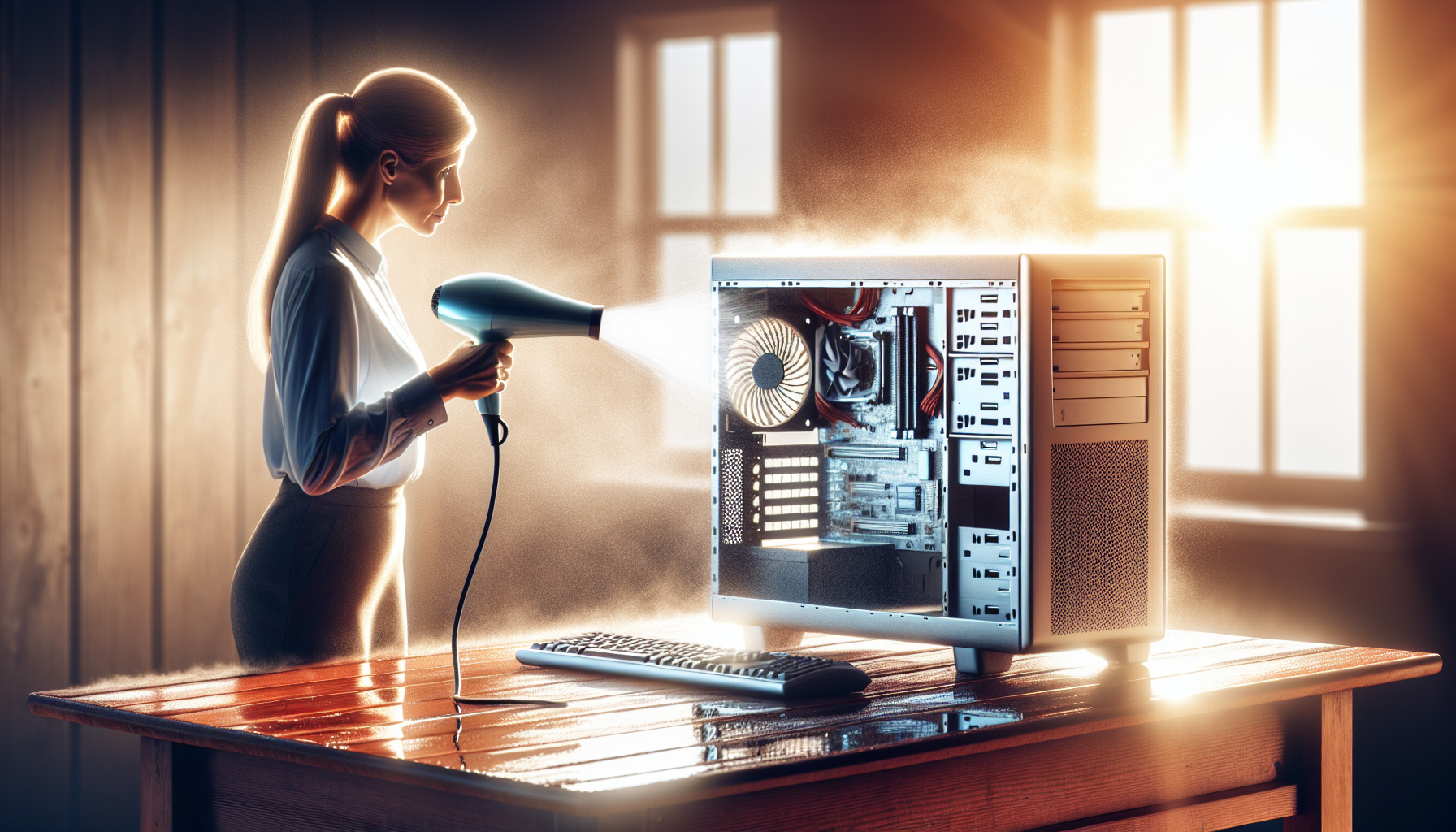
Using a hair dryer to clean a PC may seem like a convenient option for removing dust and debris. The hot air from a hair dryer can effectively dislodge particles from hard-to-reach areas. However, this method is not recommended due to several factors that could potentially harm the computer's components.
While the airflow from a hair dryer is strong, it is not designed for electronic cleaning. Unlike compressed air cleaners, which provide a focused burst of air without heat, hair dryers can blow dust deeper into the PC, potentially causing further issues. Additionally, the heat emitted by the dryer can raise the temperature of sensitive components, leading to overheating and damage.
Potential Risks and Concerns
There are several risks associated with using a hair dryer for PC cleaning. The following table outlines the key concerns:
| Concern | Description |
|---|---|
| Heat Damage | Excessive heat can cause components to warp or melt, leading to irreversible damage. |
| Static Electricity | Hair dryers may generate static electricity, which can harm sensitive electronic parts. |
| Inadequate Cleaning | The airflow may not effectively remove dust from intricate areas, leading to insufficient cleaning. |
| Debris Displacement | Dust may be pushed further into the PC instead of being removed, causing blockages or malfunctions. |
For effective cleaning without the risks associated with hair dryers, it is advisable to use recommended tools such as compressed air or soft brushes. Regular maintenance and using appropriate cleaning techniques can significantly improve PC performance. For more insights on maintaining optimal computer function, see our article on clean computer for faster performance.
Safe Cleaning Practices
Maintaining a clean PC is essential for optimal performance and longevity. Implementing safe cleaning practices can help ensure that the cleaning process does not cause damage to internal components. Below are recommended tools and a step-by-step guide for cleaning a work PC effectively.
Recommended Tools for PC Cleaning
Using the right tools is crucial for safely cleaning a computer. Here is a list of recommended tools:
| Tool | Purpose |
|---|---|
| Compressed Air Can | Blowing dust out of tight spaces like fans and vents |
| Microfiber Cloth | Wiping down surfaces without scratching |
| Soft Brush | Gently removing dust from components |
| Isopropyl Alcohol | Cleaning electronic parts and surfaces |
| Anti-Static Wrist Strap | Preventing static electricity build-up while working on the PC |
These tools will help facilitate a thorough cleaning process while minimizing the risk of damage. For more information on effective cleaning practices, refer to our article on best pc cleaning practices.
Step-by-Step Guide to Safely Clean Your Work PC
Cleaning a PC requires careful attention to detail to avoid damaging sensitive components. Here is a step-by-step guide to ensure safe cleaning:
Power Down and Unplug: Ensure the PC is turned off and disconnected from any power source. This helps prevent electrical shocks and damage.
Open the Case: Use appropriate tools to remove the side panel of the PC case. Most cases have screws or latches that allow access to the interior.
Ground Yourself: Wear an anti-static wrist strap to prevent static electricity from damaging components. Alternatively, touch a grounded metal object.
Remove Dust: Use a can of compressed air to blow out dust from fans, heatsinks, and other components. Hold the can upright to prevent moisture from escaping.
Clean Surfaces: Dampen a microfiber cloth with isopropyl alcohol and gently wipe down surfaces like the case exterior and any accessible parts. Avoid excess moisture.
Brush Components: Use a soft brush to remove dust from sensitive areas like the motherboard and graphics card. Be gentle to avoid dislodging components.
Reassemble the Case: Once cleaning is complete, carefully replace the side panel and secure it.
Reconnect and Power On: Plug the PC back in and turn it on. Ensure everything is functioning properly.
Regular cleaning helps maintain performance and extends the lifespan of the computer. For guidance on when and how often to clean, check our article on pc cleaning frequency.
Professional PC Maintenance
Maintaining a clean and efficient computer system is crucial for business operations. Engaging professional IT support can ensure that maintenance is carried out effectively and systematically. This section explores the benefits of professional support and the significance of scheduled maintenance services.
Benefits of Professional IT Support
Utilising professional IT support offers numerous advantages for businesses. IT specialists possess the knowledge and tools necessary to conduct thorough maintenance and cleaning of computer systems. Key benefits include:
| Benefit | Description |
|---|---|
| Expertise | Professionals have extensive training and experience in diagnosing and resolving issues, thereby reducing downtime. |
| Efficiency | IT support can perform maintenance tasks more quickly and effectively than untrained personnel. |
| Comprehensive Solutions | They can assess various aspects of the system, including hardware, software, and network issues, ensuring a holistic approach to maintenance. |
| Preventative Care | Regular maintenance by professionals can identify potential problems before they escalate, minimising future costs. |
| Compliance | Professional services ensure that businesses comply with industry standards and regulations regarding data protection and equipment maintenance. |
Businesses can benefit from professional support in ensuring their computers operate at optimal performance levels. For further insights into how a clean computer enhances performance, visit our article on clean computer for faster performance.
Importance of Scheduled Maintenance Services
Scheduled maintenance is vital for prolonging the lifespan of computer systems and preventing unexpected breakdowns. Regular maintenance services can significantly impact the overall performance and reliability of IT infrastructure. Key points include:
| Importance | Description |
|---|---|
| Consistency | Scheduled services ensure that maintenance occurs at regular intervals, reducing the risk of neglect. |
| Performance Monitoring | Regular check-ups allow for ongoing assessment of system performance, helping to identify issues early. |
| Cost-Effectiveness | Preemptive maintenance can save costs associated with emergency repairs and system replacements. |
| Enhanced Security | Regular updates and cleanings contribute to improved security measures, protecting sensitive data. |
| Improved Productivity | Well-maintained systems reduce the likelihood of slowdowns and crashes, enhancing employee productivity. |
For insights on how neglecting maintenance can lead to performance issues, consider reading about the consequences of not dusting pc.
Engaging professional IT support and adhering to scheduled maintenance is essential for ensuring the efficiency and longevity of computer systems. This proactive approach not only optimises performance but also safeguards against potential risks associated with poor maintenance practices.


