


Behind the Scenes: Exploring the Inner Workings of Computer Systems
Introduction to Computer Systems
The realm of information technology is inextricably linked with computer systems, which form the backbone of modern business operations, especially within IT procurement departments.
Defining a Computer System
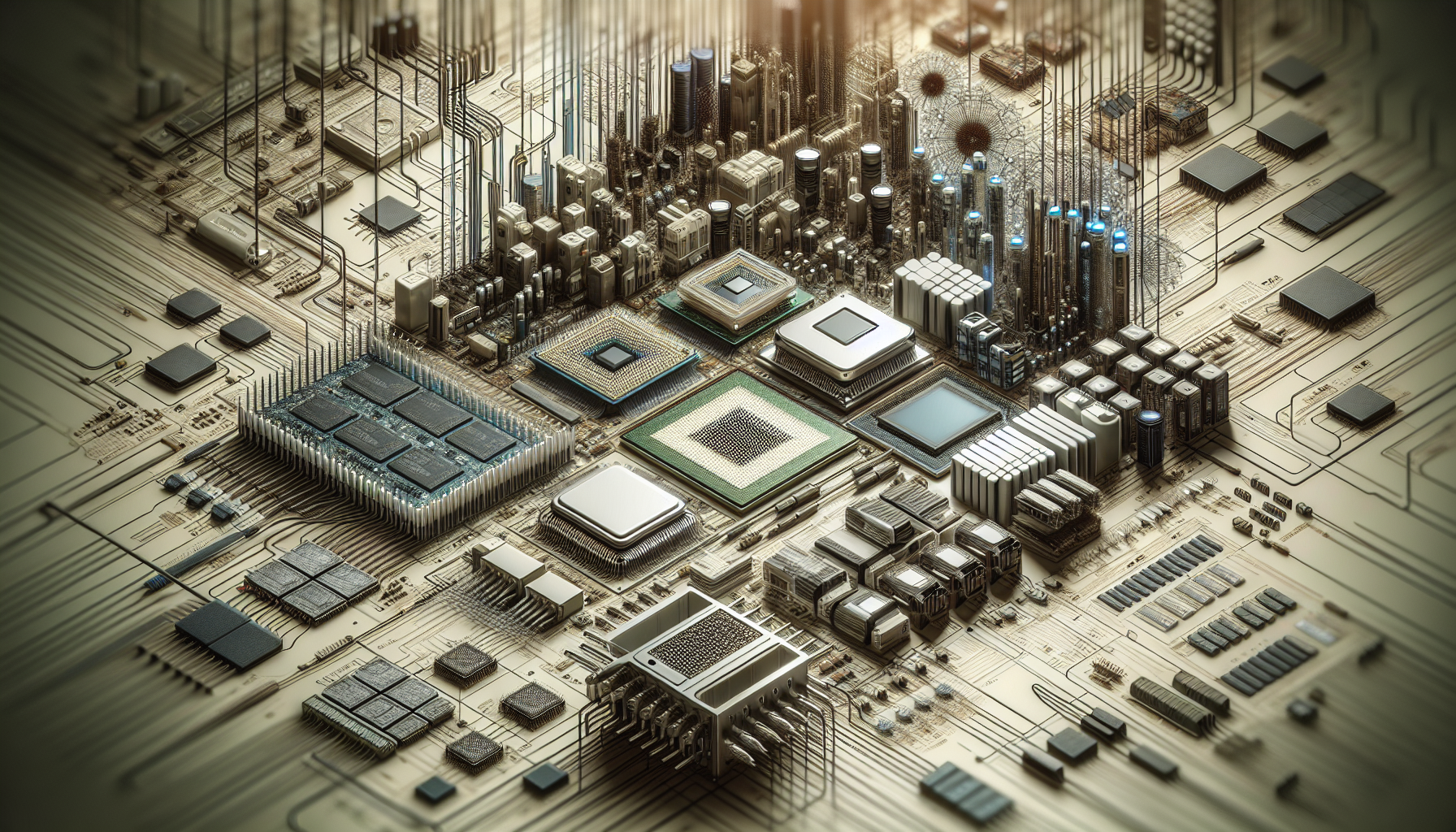
A computer system is an integrated assembly of hardware and software components designed to process data and produce a desired output. At its core, it consists of a central processing unit (CPU), memory, storage devices, and input/output (I/O) peripherals, all connected via a motherboard. These elements work in unison to execute complex computational tasks and facilitate user interactions.
Understanding the anatomy and functionality of computer systems is fundamental for those who interact with technology, whether they are developers, data analysts, or IT procurement managers. Gaining insight into how these systems are structured and operate can lead to better decision-making when it comes to selecting and managing technological resources.
The Importance of Understanding Computer Systems in IT Procurement
For IT procurement professionals, particularly those operating in Australian corporate environments, a profound understanding of computer systems is critical. Knowledge of how computer systems work can greatly influence purchasing decisions, ensuring that the selected systems align with the company's operational requirements and provide good value for investment.
| Consideration | Impact on IT Procurement |
|---|---|
| System Compatibility | Ensures integration with existing infrastructure |
| Performance Requirements | Matches system capabilities with workload demands |
| Scalability | Allows for future growth and expansion |
| Support and Warranty | Provides assurance of service and maintenance |
By comprehending the mechanics behind how do computer systems work, procurement departments can more accurately assess the suitability of various systems. This includes evaluating the associated computer systems necessary for the corporation's specific IT environment and anticipating the needs for computer systems servicing.
Moreover, as technology evolves, keeping abreast of advanced computer systems and innovations in computer systems technology can provide competitive advantages, streamline operations, and potentially reduce costs.
In summary, a solid grasp of computer system intricacies not only assists in making informed choices but also underpins the efficiency and efficacy of corporate IT strategies. As such, IT procurement departments should continue to educate themselves through resources like a computer systems lab or workshops on what are computer systems to stay current with trends and best practices in the industry.
Core Components of Computer Systems
The performance and capabilities of computer systems hinge on their core components. Each component plays a critical role in the functionality of the system, and understanding these is essential for IT procurement departments tasked with making informed decisions about corporate technology investments.
Central Processing Unit (CPU)
The Central Processing Unit (CPU), often referred to as the "brain" of the computer, is the primary component responsible for interpreting and executing instructions. It determines processing power and affects the overall speed and efficiency of the system. The CPU's performance is measured in gigahertz (GHz), with higher numbers indicating faster processing speeds.
| CPU Type | Speed (GHz) | Cores |
|---|---|---|
| Basic | 1.3 - 2.5 | 2 - 4 |
| Intermediate | 2.5 - 3.5 | 4 - 6 |
| Advanced | 3.5+ | 8+ |
For more in-depth information, IT departments can refer to computer systems hardware which highlights the latest advancements in CPU technology.
Memory (RAM)
Random Access Memory (RAM) serves as the system's short-term memory, allowing the computer to store data temporarily while performing tasks. The amount of RAM directly influences the computer's ability to multitask and handle complex operations. RAM specifications typically range from a few gigabytes (GB) to 32GB or more for high-end systems.
| RAM Size | Suitable For |
|---|---|
| 4GB | Basic tasks |
| 8GB | General use |
| 16GB | Advanced multitasking |
| 32GB+ | Professional applications |
Understanding the significance of RAM is crucial for IT departments, as detailed in why do computer systems need primary storage.
Storage Solutions (HDDs and SSDs)
Data storage is a fundamental component of computer systems, predominantly managed by Hard Disk Drives (HDDs) and Solid State Drives (SSDs). HDDs offer larger storage capacities at lower costs, while SSDs provide faster data access speeds and durability due to their lack of moving parts.
| Storage Type | Capacity | Speed |
|---|---|---|
| HDD | 500GB - 10TB | 100 - 200 MB/s |
| SSD | 128GB - 4TB | 200 - 550 MB/s |
For corporations, choosing between HDDs and SSDs often involves balancing cost against performance needs. Further insights can be gained through the article on advanced computer systems.
Motherboard
The motherboard is the backbone of the computer, connecting all other components and allowing them to communicate with one another. It houses the CPU, RAM, and storage, as well as providing expansion slots for additional hardware.
Motherboard specifications vary widely, but key features to consider include:
- CPU socket compatibility
- RAM capacity and type
- Number and type of expansion slots
- Onboard features like audio and networking capabilities
IT procurement teams can explore associated computer systems to better understand the integration of motherboards with other components.
Each of these core components plays a vital role in how computer systems function and perform. IT departments must assess these components carefully to ensure the systems they procure meet the performance requirements and long-term goals of their corporations.
Input and Output Devices
Input and output devices form the conduits through which users interact with computer systems. These peripherals are crucial for the operation of computers, enabling the flow of data in and out of the system.
Role of Input Devices
Input devices are hardware components that allow users to feed data into a computer system. They are essential for translating user actions into a language the computer can understand and process. Common input devices include keyboards, mice, touchscreens, and scanners.
| Input Device | Function |
|---|---|
| Keyboard | Text entry and command input |
| Mouse | Navigation and on-screen selection |
| Touchscreen | Direct interaction with display |
| Scanner | Digitalisation of physical documents |
The use of input devices varies depending on the application. For tasks requiring precision, devices like graphics tablets may be employed, while voice recognition technology is increasingly used for hands-free interaction with systems. Understanding the array of input devices is vital for IT procurement, as different corporate environments may have unique requirements.
Role of Output Devices
Output devices are components that convert processed data from a computer system into a form that users can perceive. They play a critical role in delivering the results of computations and data processing back to the user. The most common output devices are monitors, printers, and speakers.
| Output Device | Function |
|---|---|
| Monitor | Visual display of information |
| Printer | Hard copy document production |
| Speakers | Audio output |
The choice of output devices in a corporate setting is influenced by the nature of the work conducted. High-resolution displays are requisite for detailed visual work, whereas reliable printers are indispensable in environments with substantial document output needs. Sound output devices are essential for multimedia presentations and accessibility features like screen readers.
Input and output devices are integral to the functioning of computer systems. For individuals responsible for technology acquisition in corporations, understanding these devices' roles is paramount. Tailoring the selection of peripherals to the specific needs of various departments ensures the optimal functionality of the associated computer systems within the organisation.
Operating Systems and Software
The symbiosis between operating systems and software forms the foundation of a computer's functionality. This section delves into the roles played by each and their dynamic interaction with computer hardware, which is pivotal for IT procurement departments to understand when assessing computer systems for corporate use.
The Function of Operating Systems
An operating system (OS) is the linchpin of a computer system, managing both the hardware and software resources. Its core functions include:
- Task Management: The OS allocates resources and prioritises tasks, ensuring that processes run efficiently without conflict.
- Memory Management: It oversees the distribution of memory between applications and the OS itself, as detailed in our article on why do computer systems need primary storage.
- Data Security: The OS enforces security protocols, safeguarding data integrity and restricting unauthorised access.
- User Interface: It provides a user interface, either graphical or command-line, enabling interaction with the system.
The operating system thus acts as an intermediary between the user's commands and the computer's hardware, translating inputs into outputs.
Types of Software and their Interaction with Hardware
Software applications require the correct operating system environment to function. The two main categories of software are:
- System Software: This includes the operating system itself and utility programs that maintain computer functionality.
- Application Software: These are programs designed for end-users to perform specific tasks such as word processing or web browsing.
The interaction between software and hardware is facilitated by the OS through a series of drivers and APIs (Application Programming Interfaces). These enable software to communicate with hardware components like printers, cameras, and storage devices.
| Software Type | Function | Example |
|---|---|---|
| System Software | Manages hardware and basic system operations | Operating System |
| Application Software | Performs specific user-oriented tasks | Web Browser |
For IT procurement specialists, understanding the compatibility and requirements of different software applications is crucial when selecting the right computer systems hardware for their organisation. Factors such as processing power, memory capacity, and storage solutions are influenced by the demands of the software that the corporation intends to run.
When managing or upgrading associated computer systems, it's vital to consider the operating system's version and its compatibility with current and future software needs. Keeping abreast of computer systems technology trends can help in making informed decisions that align with long-term business strategies.
Networking and Connectivity
Understanding the networking and connectivity aspects of computer systems is essential for the efficient operation and communication of corporate IT infrastructure. These components allow devices to interact with each other and with the internet, facilitating data transfer and access to network resources.
Networking Components in Computer Systems
The networking components within computer systems are integral to establishing and maintaining a reliable communication framework. These components include network interface cards (NICs), routers, switches, and wireless access points, each playing a vital role in the transmission of data.
| Component | Function |
|---|---|
| Network Interface Card (NIC) | Connects a computer to a network |
| Router | Directs data packets between networks |
| Switch | Connects devices within a single network |
| Wireless Access Point | Enables wireless network connectivity |
In a corporate environment, IT procurement departments must ensure that the networking components selected are compatible with their existing infrastructure and meet the performance requirements of their systems. For detailed insights into the role of each component, IT professionals can refer to resources on computer systems hardware and associated computer systems.
Connectivity and Communication Protocols
Connectivity protocols are the rules and standards that govern how data is transmitted across a network. Common protocols include Ethernet for wired connections and Wi-Fi for wireless ones. Each protocol has its specifications and is designed to ensure that devices can communicate effectively.
| Protocol | Usage |
|---|---|
| Ethernet | Wired connections |
| Wi-Fi | Wireless connections |
| TCP/IP | Internet communication |
| Bluetooth | Short-range wireless communication |
Communication protocols are also crucial, with TCP/IP being the foundational suite of protocols for internet communications. It dictates how data is packaged, addressed, transmitted, routed, and received. An understanding of these protocols is essential for IT departments to ensure seamless integration and communication within their network.
The choice of protocols and networking components directly influences the performance and reliability of computer systems in a corporate setting. IT professionals can further their knowledge by exploring articles on advanced computer systems and computer systems technology.
By investing in the correct networking components and understanding the underlying connectivity protocols, corporations can ensure robust and efficient communication across their computer systems, laying the foundation for a productive IT landscape.
Maintenance and Upgrades
Maintaining and upgrading computer systems is a critical aspect of ensuring longevity and optimal performance. Regular maintenance tasks can prevent system failures, while upgrades can keep systems in line with current technological standards.
Regular Maintenance Requirements
Consistent maintenance is vital for the smooth operation of computer systems. IT departments should establish a regular schedule for checking system components and performance. Key maintenance tasks include:
- Software Updates: Regularly updating operating systems and applications to patch vulnerabilities and improve performance.
- Hardware Checks: Inspecting and cleaning internal components such as fans, heat sinks, and dust filters to prevent overheating.
- Data Backup: Ensuring important data is backed up in a secure location to prevent loss in case of hardware failure.
- Virus Scanning: Running antivirus and malware scans to identify and remove any threats.
For more details on the importance of each task and how they contribute to system health, readers can explore articles on computer systems servicing and computer system repair near me.
Considerations for System Upgrades
When contemplating system upgrades, several factors must be taken into account:
- Compatibility: Ensuring new components are compatible with existing hardware and software.
- Cost-Benefit Analysis: Weighing the cost of upgrades against the potential benefits, such as increased productivity or extended system life.
- Performance Requirements: Assessing whether the current system meets the performance needs of the user or if upgrades are necessary.
- Future-Proofing: Considering how the upgrade will serve the user in the long-term, with respect to evolving technology trends.
For IT procurement departments, understanding how computer systems work is crucial in making informed decisions about upgrades. The following table outlines common components that may require upgrades and the factors influencing these decisions:
| Component | Upgrade Consideration | Potential Benefit |
|---|---|---|
| CPU | Processing power required for tasks | Improved performance |
| RAM | Multitasking and application requirements | Increased speed and efficiency |
| Storage | Space requirements and speed of access | Enhanced data management and retrieval |
| GPU | Graphics and video processing needs | Better visual performance |
For comprehensive insights into the upgrade process and factors to consider, IT purchase departments can consult resources on computer systems technology and universal computer systems.
Regular maintenance and thoughtful upgrades are the cornerstones of managing effective computer systems in corporate environments. By staying informed about computer systems hardware and what are computer systems, IT departments can ensure that their systems remain reliable, secure, and capable of meeting business demands.
Trends in Computer Systems
The field of computer systems is constantly evolving, with new technologies and trends shaping the future of IT solutions. Understanding these trends is crucial for IT Purchase Departments, particularly in the context of corporations in Australia, to make informed decisions about procurement and upgrades.
Emerging Technologies
Emerging technologies in computer systems represent significant advancements that could revolutionize how corporations manage data, process information, and conduct business. Key developments include quantum computing, which offers unprecedented processing power, and artificial intelligence (AI) integration, which provides smarter, more adaptive systems.
Additionally, edge computing is gaining traction as it brings processing closer to the source of data, reducing latency and improving efficiency. Blockchain technology is also becoming more prevalent in secure transaction processing and data management.
| Technology | Potential Impact |
|---|---|
| Quantum Computing | Super-fast processing and complex problem-solving |
| AI Integration | Improved automation and decision-making |
| Edge Computing | Reduced latency and bandwidth usage |
| Blockchain | Enhanced security and transparency |
These technologies are explored in depth in the advanced computer systems article, which provides insights into how they are expected to shape the corporate landscape.
The Future of Computer Hardware in Corporate Environments
The corporate environment is set to change significantly as computer hardware continues to evolve. The trend is towards more compact, energy-efficient, and powerful components that can support the demanding workloads of modern businesses. The integration of IoT (Internet of Things) devices into corporate networks is expanding the scope of what computer systems can do, creating a more interconnected and streamlined work environment.
In the future, corporate computer systems are likely to emphasize sustainability, both in terms of energy consumption and the use of eco-friendly materials. The role of cloud computing will also become more pronounced, with many corporations opting for hybrid systems that combine on-premises hardware with cloud services for greater flexibility and scalability.
For IT procurement departments, these trends underscore the importance of investing in computer systems technology that can adapt to future needs and support emerging technologies. Additionally, understanding why do computer systems need primary storage can guide departments in choosing systems with adequate storage solutions for their evolving data needs.
As corporations in Australia and around the globe prepare for the future of computer hardware, staying informed about these trends will ensure that they remain competitive and technologically advanced. For further reading on the subject, the computer systems lab offers a wealth of information on the latest research and developments in the field.


