


Beat the Heat: Top Gaming PC Cooling Fans for Optimal Performance
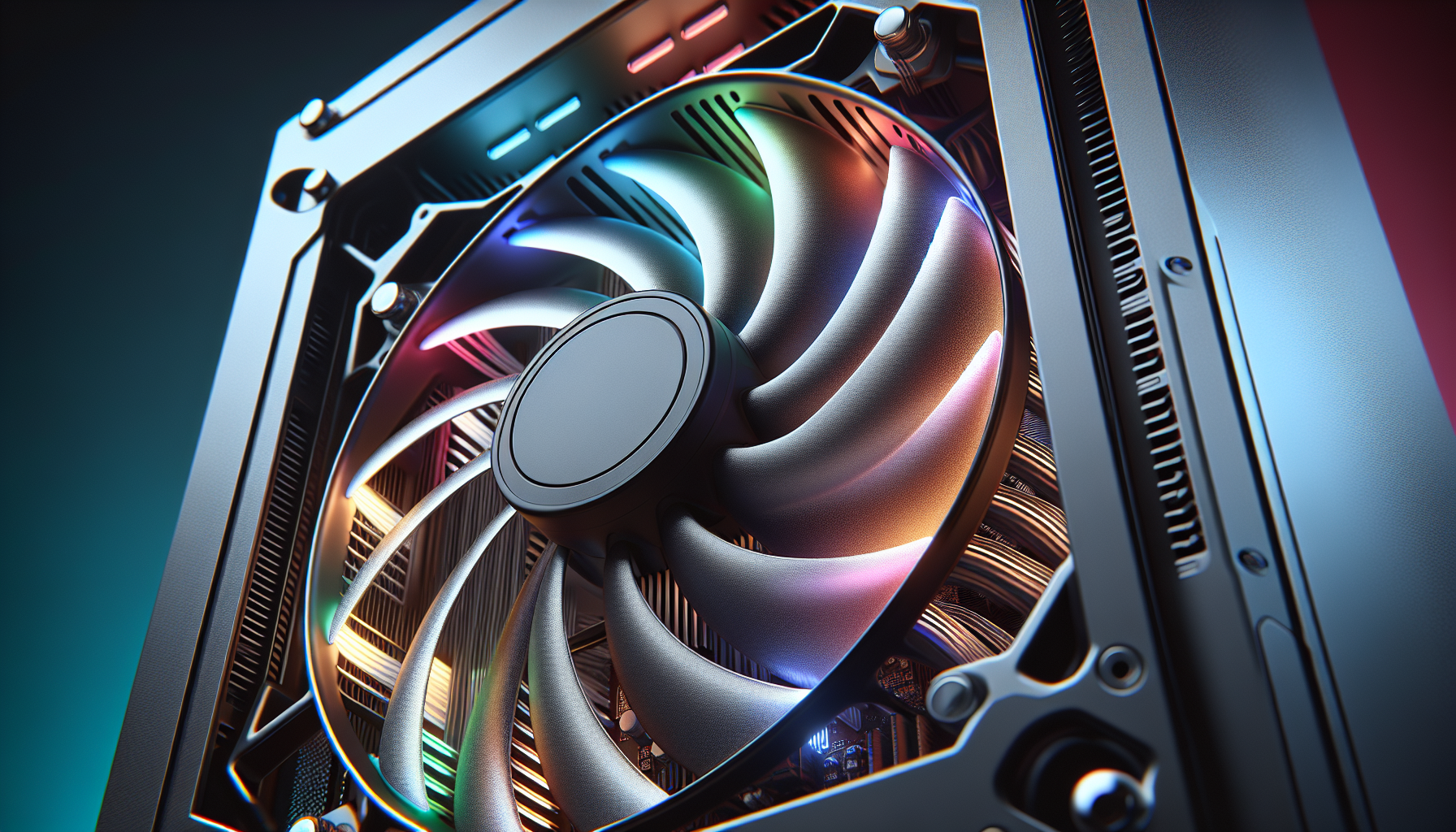
Importance of PC Cooling Fans
The significance of adequate cooling in gaming PCs cannot be underestimated. Cooling fans play a pivotal role in preserving the health and performance of a system, especially for PC gamers in Australia who often face warm ambient temperatures.
Preventing Overheating Issues
In the realm of custom-built gaming systems, overheating can be a nemesis that leads to a host of issues. Gaming PCs are known for their high-performance components that, under heavy load, generate substantial amounts of heat. Without a proper cooling solution, this can result in thermal throttling, where CPUs decrease their operating frequencies to reduce power consumption and heat generation, as noted by Intel. This response, while protective, can severely impact system performance during critical gaming sessions.
Cooling fans are the guardians against such overheating. They ensure that air is circulated within the PC case, transporting heat away from vital components and expelling it out of the chassis. The effectiveness of these fans is critical, as inadequate cooling can lead to component damage, reduced lifespan, and system instability.
Impact on System Performance
The performance of a gaming PC is directly linked to its thermal management. High temperatures can cause a system to underperform, leading to lower frame rates and sluggish responsiveness. Sofasco explains that maintaining the right operating temperature is crucial for PC health and performance. The more powerful the system, the greater the heat generation, and the more important it becomes to have a robust cooling strategy in place.
gaming pc cooling fans are engineered to provide optimal airflow and reduce the temperature within the case. By selecting the best pc cooling fans, PC gamers can ensure that their systems run at peak efficiency, with all components functioning within their specified temperature ranges. It's not just about preventing thermal throttling; it's also about enabling the system to sustain maximum performance over extended periods of gaming.
Cooling fans come in various sizes and types, including 120mm and 140mm options. They can be further categorized by their specific functions, such as high static pressure pc fans which are designed to push air through tight spaces, liquid cooling fans for pc which are part of a liquid-cooling set-up, quiet pc cooling fans for a noise-free environment, and rgb pc cooling fans for those who value aesthetics along with performance. The choice of cooling fans can have a significant impact on the gaming experience, making it imperative to choose wisely for both functionality and form.
Types of PC Cooling Fans
Choosing the right gaming PC cooling fans is essential for maintaining optimal system performance and extending the lifespan of the components. There are various cooling solutions available, and understanding the difference between them can help gamers make an informed decision.
Air vs Liquid CPU Coolers
Air cooling systems are the most common type of CPU coolers. They typically consist of a heatsink and a fan that work together to dissipate heat away from the processor. Liquid cooling systems, on the other hand, use a liquid coolant to absorb heat from the CPU and transfer it to a radiator where it is expelled by fans.
| Cooling Type | Pros | Cons |
|---|---|---|
| Air | Simple and cost-effective, Easy to install and maintain, No risk of leaks | May be less effective at cooling than liquid, Can be bulky and obstruct other components |
| Liquid | Generally more efficient at cooling, Can handle higher heat loads, Aesthetically pleasing | More complex and expensive, Possible leakage risk, Requires more maintenance |
Both cooling systems are effective, but liquid coolers are often preferred for their efficiency and aesthetic appeal. However, air coolers are a reliable and budget-friendly option for many users. The choice between air and liquid coolers may come down to personal preferences, the specific needs of the system, and budget considerations. For further insights, read about liquid cooling fans for PC.
Case Fans and Their Functions
Case fans, also known as chassis fans, play a vital role in maintaining a suitable temperature within the PC case. They circulate air through the case, ensuring that cool air reaches all components and that hot air is expelled. The type of case fan needed will depend on the particular setup and the intended use of the PC.
| Fan Type | Function |
|---|---|
| Intake Fans | Pull cool air into the system |
| Exhaust Fans | Push hot air out of the system |
| High Static Pressure Fans | Designed to move air through obstructed areas such as heatsinks and radiators |
When configuring pc case fans, it is crucial to consider the correct placement and orientation to create an effective airflow pattern within the case. This can help prevent hot spots and maintain an even temperature distribution. To learn more about balancing airflow, check out our article on high static pressure pc fans.
By understanding the different types of cooling fans and their functions, PC gamers can ensure their gaming rig remains cool, even during intense gaming sessions. Whether opting for air or liquid CPU coolers, or determining the best case fan setup, the right cooling solution can significantly impact system performance and reliability.
Top PC Cooling Fans in 2024
For gamers who demand optimal performance from their gaming PCs, choosing the right cooling fans is essential. In 2024, several models stand out for their ability to maintain cool temperatures and enhance overall system performance. Here are some of the top gaming PC cooling fans that are making a mark in the gaming community.
Noctua NF-A12x25 PWM
The Noctua NF-A12x25 PWM continues to be celebrated as one of the best 120mm PC cooling fans in the market. Renowned for its superior airflow and whisper-quiet operation, this fan provides exceptional cooling without disrupting game play. According to PC Gamer, it excels at moving a substantial amount of air with minimal noise, even at lower RPMs.
| Model | Noctua NF-A12x25 PWM |
|---|---|
| Noise Level | 22.6 dB(A) |
| Airflow | 60.1 CFM |
| RPM | 2000 |
Noctua NF-P12 redux-1700
For those seeking a blend of affordability, performance, and aesthetics, the Noctua NF-P12 redux-1700 emerges as a top contender. This quiet PC cooling fan doesn't compromise on efficiency, and its sleek design complements any gaming rig. As noted by PC Gamer, it's a cost-effective option that doesn't skimp on cooling capability.
| Model | Noctua NF-P12 redux-1700 |
|---|---|
| Noise Level | 25.1 dB(A) |
| Airflow | 70.7 CFM |
| RPM | 1700 |
Scythe Kaze Flex 120 PWM
For gamers on a budget, the Scythe Kaze Flex 120 PWM stands out as the best budget-friendly PC case fan. It delivers solid cooling performance without overstretching your wallet. Its affordability, coupled with reliable performance, makes it a popular choice in the gaming community, as highlighted by PC Gamer.
| Model | Scythe Kaze Flex 120 PWM |
|---|---|
| Noise Level | 24.9 dB(A) |
| Airflow | 51.17 CFM |
| RPM | 1200 - 1500 |
Corsair LL120 RGB Fans
For enthusiasts who value aesthetics as much as performance, the Corsair LL120 RGB Fans are the pinnacle of RGB PC cooling fans. These fans provide an impressive display of vibrant, colorful lighting while offering excellent airflow and cooling efficiency. Their bright, customizable RGB LEDs make them a favorite for gamers who want to showcase their system, as noted by PC Gamer.
| Model | Corsair LL120 RGB Fans |
|---|---|
| Noise Level | 24.8 dB(A) |
| Airflow | 43.25 CFM |
| RPM | 600 - 1500 |
When searching for the best PC cooling fans, these models represent the crème de la crème in 2024, catering to a range of preferences and budget considerations. Whether you prioritize silent operation, value for money, or a flashy setup, there's a cooling solution tailored to your gaming needs. Remember to always consider factors like RPM, CFM, and compatibility with your case size, whether 140mm or otherwise, to ensure you're selecting the most appropriate fan for your gaming rig.
Tips for Choosing and Maintaining Fans
Selecting the right gaming pc cooling fans and maintaining them properly are crucial steps in ensuring your gaming PC functions at its best. Below are some guidelines to help you make informed decisions regarding RPM and CFM considerations, as well as maintenance practices and common pitfalls to avoid.
RPM and CFM Considerations
When choosing fans for your gaming PC, two important metrics to consider are RPM (Revolutions Per Minute) and CFM (Cubic Feet Per Minute). RPM indicates the number of revolutions a fan makes in a minute, with higher RPMs typically providing better cooling performance. However, excessive RPMs, such as over 5000, may lead to faster wear and increased noise levels, compromising the fan’s longevity and your gaming experience.
CFM measures the volume of air a fan moves in a minute. A higher CFM translates to a more powerful cooling capacity, but these fans can also be louder. Therefore, finding a balance between CFM, RPM, and noise levels is essential for optimal performance (Kooling Monster).
| Fan Type | RPM Range | CFM Range |
|---|---|---|
| 120mm pc cooling fans | 600 - 1800 | 30 - 75 |
| 140mm pc cooling fans | 500 - 1600 | 40 - 100 |
Cleaning and Maintenance Tips
Regular cleaning is vital to maintain the efficiency of your PC cooling fans. Dust accumulation can impede fan performance and lead to overheating. It's advised to clean your PC at least once a month using tools like a portable air compressor to remove dust build-up. While cleaning, avoid using canned air and always perform the task outside to prevent dust from resettling inside the PC (Quora).
Avoiding Common Mistakes
When selecting cooling fans, it's important to steer clear of common mistakes, such as opting for cheap, low-performance RGB fans or investing in overly expensive name-brand fans that offer little value for their cost. Instead, focus on fans that offer a balance of efficiency, noise levels, and longevity, such as the best pc cooling fans recommended by seasoned gamers.
Additionally, always consider the number of fans your case can support. A full ATX case might accommodate more than six fans, while a micro ATX case may only fit two. Factor in space constraints when adding RGB lighting and fan speed controllers. Remember that the rear exhaust fan is particularly crucial and should be of high quality, focusing on functionality over aesthetics (Quora).
By keeping these considerations in mind and regularly maintaining your PC cooling fans, you can ensure that your gaming rig stays cool under pressure, delivering optimal performance without the risk of overheating. Always keep your PC's operating temperatures within manufacturer specifications and don't overlook the importance of high static pressure pc fans, liquid cooling fans for pc, quiet pc cooling fans, and rgb pc cooling fans to suit your individual gaming needs and preferences.


